








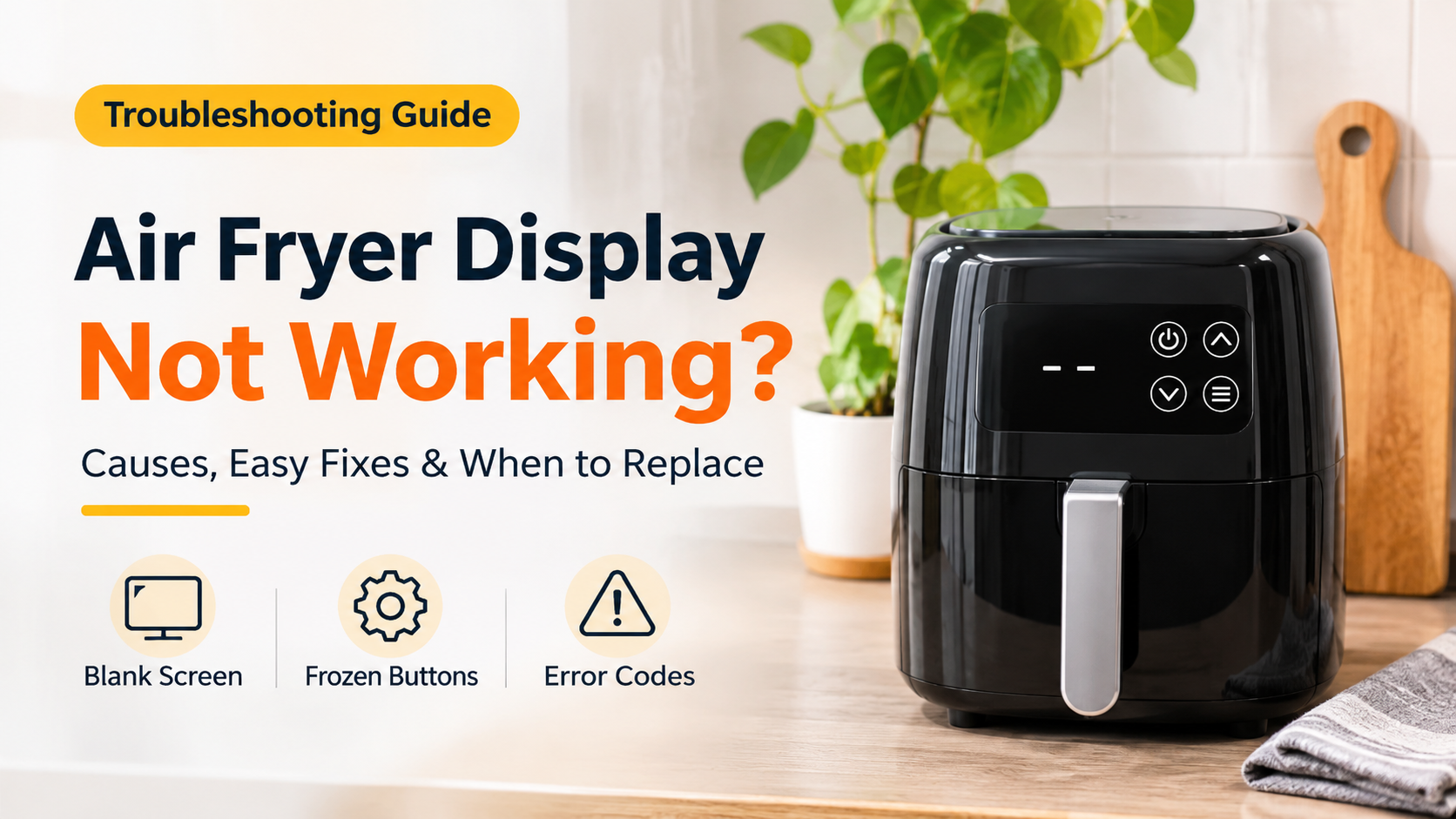

Air Fryer Display Not Working? Causes, Easy Fixes & When to Replace
You load the basket, press the power button, and nothing happens. The screen is dark, the numbers are frozen, or the buttons simply refuse to respond. If your air fryer display is not working, you are not alone. It is one of the most common complaints among air fryer owners, and the good news is that a surprising number of cases can be solved in minutes without any tools or repair skills.
In this complete guide, you will learn exactly why an air fryer display stops working, how to fix it step by step, how to read error codes, which mistakes to avoid, and how to decide whether a repair is worth it or whether it is time to buy a new unit.
Quick Answer: What to Try First
- Check the power: plug the air fryer directly into a working wall outlet, not an extension cord.
- Reseat the basket: push it in until it clicks, because many models will not power the display otherwise.
- Do a power reset: unplug the unit for 15 to 30 minutes, then plug it back in.
- Look for warning signs: a burning smell, sparks or a melted plug means you should stop using it immediately.
- Still dead? The control board is probably at fault. Check your warranty before paying for a repair.
What You Will Learn in This Guide
- How an air fryer display and control board work
- The most common display problems and what they mean
- 6 common causes of a dead or frozen display
- 8 step-by-step fixes you can try at home
- How to handle error codes
- What you should never do
- Repair or replace: how to decide
- How to prevent the problem from coming back
- What to look for in your next air fryer
- Frequently asked questions
How an Air Fryer Display Works
An air fryer looks simple from the outside, but inside there is a small electronic system working together with a heating element and a fan. The display, the buttons or touch pad, and a circuit called the control board make up the control panel. When you press a button, the control board reads your input, shows the time and temperature on the screen, and tells the heating element and fan when to switch on.
Because the display depends on the control board, on power from the cord and plug, and on safety switches such as the basket sensor, a problem in any one of these areas can leave you with a blank or frozen screen. Understanding where the trouble might start makes troubleshooting much faster.

Common Air Fryer Display Problems and What They Usually Mean
The exact symptom you see can point you toward the cause. Use the table below as a starting point.
| Symptom | Likely Cause | What to Try |
|---|---|---|
| Completely blank screen, no lights, no sound | No power, tripped breaker or blown thermal fuse | Test another outlet, reset the breaker, check the cord |
| Screen lights up but buttons do nothing | Frozen control board or dirty touch panel | Power reset and gentle cleaning of the panel |
| Display flickers or shows partial digits | Loose internal connection or failing board | Power reset, then contact support if it continues |
| Display is dim or hard to read | Aging display or low voltage supply | Try a different outlet and avoid shared circuits |
| Beeps but the screen stays dark | Faulty display module while the board still works | Contact support; usually needs a repair or replacement |
| Error code appears (E1, E2, E3 and similar) | Sensor, overheating or basket detection issue | Check the manual for your model, then reset and retest |
| Display works but the unit does not heat | Heating element or thermostat problem | Stop using it and seek service or replacement |
6 Common Reasons an Air Fryer Display Stops Working

1. No Power Reaching the Air Fryer
This is the most common and the easiest cause to fix. A loose plug, a dead outlet, a tripped breaker or a tripped GFCI outlet (the type with test and reset buttons, often found in kitchens) can all cut power. Air fryers draw a lot of electricity, so they can also overload a shared circuit if other appliances such as a kettle, microwave or toaster are running at the same time. Extension cords and cheap power strips are another frequent culprit, because they may not handle the load safely.
2. The Basket Is Not Fully Seated
Most modern air fryers include a safety switch that detects whether the basket or drawer is properly closed. If the basket is slightly out of position, or if food debris or grease is blocking the switch area, the unit may refuse to power the display or start a cooking cycle. This is a design feature meant to protect you from hot air and moving parts, and it is often mistaken for a broken display.
3. A Power Surge or Voltage Spike
A lightning storm, a sudden outage, or a spike when power returns can damage the sensitive electronics on the control board. If your display went dark right after a power event, the board may have been affected. Sometimes a simple reset restores it. In other cases the damage is permanent.
4. Overheating and a Blown Thermal Fuse
Air fryers include a thermal fuse, which is a small safety part that cuts power if the temperature gets dangerously high. Blocked air vents, an air fryer placed too close to a wall, an overloaded basket or a long run of heavy use can lead to overheating. Once the thermal fuse blows, the whole unit usually goes completely dead, and the display shows nothing at all. This is a protective failure, and the part generally needs professional replacement.
5. Grease, Steam and Moisture Near the Panel
Hot steam and airborne grease can creep around the control panel over time. Moisture can cause buttons to misbehave, leave a film on touch panels, and in worse cases corrode contacts on the board. Washing the unit with too much water, or letting liquid run into the panel area, can also cause sudden failure.
6. Worn or Faulty Components
Every air fryer goes through thousands of heating and cooling cycles. Over the years, solder joints can crack, ribbon cables can loosen and the control board can fail. Manufacturing defects can also appear early, which is why a display failing within the first months of ownership is usually covered by warranty.
8 Step-by-Step Fixes for an Air Fryer Display Not Working
Work through these steps in order. Always unplug the air fryer and let it cool completely before touching any part of it, except where a step tells you to plug it in.
Fix 1: Check the Outlet and Power Cord
Plug the air fryer directly into a wall outlet, never into an extension cord or a cheap power strip. Test the outlet by plugging in a lamp or phone charger. If the outlet is dead, check the breaker panel or press the reset button on a GFCI outlet. Then inspect the air fryer cord along its full length. Look for kinks, cuts, scorch marks or a loose, wobbly plug. If you see any damage, do not use the appliance.
Fix 2: Reseat the Basket Firmly
Pull the basket all the way out, check the rails and the area around the safety switch for food crumbs or grease, wipe them clean with a dry or slightly damp cloth, and then slide the basket back in until you hear or feel a click. Try turning the unit on again. If your model has a separate inner tray or crisper plate, make sure it is sitting flat.
Fix 3: Perform a Full Power Reset
Electronic controls sometimes freeze, just like a phone or a computer. Unplug the air fryer from the wall and leave it unplugged for 15 to 30 minutes. This allows any remaining charge in the circuit to drain and lets the control board restart cleanly. Plug the unit back in and test the display. This single step solves a large share of frozen and blank screen cases.
Fix 4: Try a Different Outlet and Circuit
If the unit does not respond, move it to an outlet on a different circuit, preferably in another room. This rules out a weak or overloaded circuit. Make sure no other high power appliances are running on the same circuit while you test.
Fix 5: Let the Unit Cool Down and Clear the Vents
If the air fryer has been used heavily, it may have shut itself down to protect against overheating. Unplug it and let it rest for at least 30 minutes. Check that the air intake and exhaust vents are not blocked by dust, grease or a wall. Keep several inches of free space around the appliance while it is running.
Fix 6: Clean the Control Panel Gently
A greasy or dirty panel can stop buttons or touch controls from registering. With the unit unplugged, wipe the panel with a soft, slightly damp microfiber cloth, then dry it right away with a clean dry cloth. Do not spray cleaner directly onto the panel and never let liquid run into the edges. Avoid abrasive pads, which can scratch the display.
Fix 7: Look Up the Error Code
If your screen shows a code such as E1, E2, E3, or a similar message, do not ignore it. Error codes differ from brand to brand and model to model, so the same code can mean different things on different air fryers. In general, codes are linked to problems such as a faulty temperature sensor, overheating, a basket that is not detected, or a communication fault inside the control board. Find your model number on the label at the bottom or back of the unit, then check the printed manual or the support section of the manufacturer’s official website for the exact meaning. After you note the code, do a power reset and test again.
Fix 8: Contact Customer Support
If none of the steps above work, the problem is almost certainly inside the unit. At this point, the best next step is to contact the manufacturer or the store where you bought it. Prepare the following to speed things up:
- Model number and serial number
- Date and place of purchase, and your receipt or order confirmation
- A short description of the problem and the steps you already tried
- A short phone video showing the display behaviour, which many support teams find very useful
If the air fryer is still under warranty, you may qualify for a free repair or a replacement.
Quick Troubleshooting Flowchart
If you prefer a visual guide, follow the flowchart below from top to bottom. It brings the most important checks into one simple path.

What You Should Never Do
When an appliance stops working, it is tempting to take shortcuts. Avoid these mistakes, because they can cause injury, fire or permanent damage.
- Do not open the housing while the unit is plugged in. The control board and wiring can carry mains voltage, and opening the unit usually voids the warranty.
- Do not bypass or tape down the basket switch. It is a safety feature, and defeating it can expose you to hot air and moving parts.
- Do not submerge the air fryer or pour water into the panel area. Only the removable basket and tray are designed for washing.
- Do not use the unit if you smell burning, see sparks, or notice a hot or melted plug.
- Do not replace a thermal fuse with wire or a higher rated part. That removes the protection the fuse is there to give you.
- Do not rely on extension cords for a high power appliance.
Dial Air Fryers vs Digital Air Fryers: Which Fails Less?
Digital air fryers with touch panels offer preset programs and precise control, but they also rely on more electronics, which means more parts that can fail. Manual air fryers with a mechanical dial for time and temperature have a simpler design with fewer circuits, so they often have fewer display-related problems because there is no screen at all. The trade-off is that you lose presets and accurate digital readouts.
If you have had repeated display trouble, or you simply want something easy to maintain, a dial model is worth considering. If you love the convenience of presets and a clear temperature readout, choose a digital model from a brand known for solid support and a generous warranty.
Repair or Replace: How to Decide
When the basic fixes fail, many owners wonder if a repair is worth the money. A practical rule of thumb used for small appliances is this: if the repair cost, including parts, labour and shipping, is around half the price of a comparable new unit or more, replacement usually makes more sense. Air fryers are relatively inexpensive, and parts such as control boards are not always easy to source.

Remember that safety comes first. If there is any sign of burning, melting or electrical damage, replace the unit and dispose of the old one responsibly according to your local electronic waste rules.
How to Prevent Air Fryer Display Problems
You cannot prevent every failure, but good habits can extend the life of your air fryer and protect its electronics.
- Use a dedicated outlet. Avoid running other heavy appliances on the same circuit.
- Use a surge protector rated for kitchen appliances if your area has unstable power or frequent storms, or unplug the unit during severe weather.
- Give it breathing room. Leave several inches of space on all sides and never run it under low cabinets, where steam can build up.
- Clean after use. Wash the basket and tray once cooled, and wipe the exterior and panel with a soft damp cloth. Never let water enter the panel.
- Do not overload the basket. Overfilling restricts airflow and forces the unit to work harder.
- Let it cool before storing. Storing it hot traps heat and moisture.
- Avoid cooking sprays with aerosol propellants on non-stick coatings, and keep greasy build-up away from the vents and basket switch area.
- Register your warranty and keep your receipt in a safe place.
What to Look for When Buying a New Air Fryer
If your air fryer is beyond saving, use this checklist to choose a better replacement and avoid the same problem in the future.
| Feature | Why It Matters |
|---|---|
| Warranty length | A longer warranty protects you if the control board fails early. |
| Capacity | Choose a size that fits your household so you do not overload the basket. |
| Control type | Digital for presets and precision, or dial for simplicity and fewer electronics. |
| Easy-to-clean panel | A smooth, well sealed panel resists grease and moisture build-up. |
| Wattage and temperature range | Check that it suits your kitchen’s electrical supply and your cooking style. |
| Safety certifications | Look for recognised safety marks, auto shut-off and overheat protection. |
| Customer support | A brand with accessible support and spare parts is easier to live with. |
| Real user reviews | Read reviews written after several months of use, not only first-week impressions. |
Frequently Asked Questions
Why is my air fryer display not turning on?
The most common reasons are no power at the outlet, a basket that is not fully seated, a frozen control board, or a blown thermal fuse. Start by testing a different wall outlet, reseating the basket and performing a 15 to 30 minute power reset.
How do I reset my air fryer?
Most air fryers have no dedicated reset button. The standard method is to unplug the unit from the wall, wait 15 to 30 minutes, and plug it back in. Check your manual in case your model offers a special reset sequence.
Why does my air fryer screen light up but the buttons do not respond?
This often points to a frozen control board, a dirty or greasy touch panel, or moisture around the buttons. A power reset and careful cleaning of the panel solves many cases. If it continues, the board or panel may need repair.
Why is my air fryer display flickering?
Flickering can come from a loose connection, an unstable power supply, a worn display or an ageing control board. Try a different outlet, avoid extension cords and reset the unit. If it keeps flickering, contact support.
What does an error code on my air fryer mean?
Error codes vary by brand and model. They commonly relate to temperature sensors, overheating, basket detection or internal communication faults. Look up the code in your user manual or on the manufacturer’s official support pages for the exact meaning.
Can I fix an air fryer display myself?
You can safely handle external checks such as the outlet, the basket, a power reset and gentle cleaning. Anything that requires opening the housing, such as replacing the control board or thermal fuse, should be left to a qualified technician because of the electrical risk and possible warranty loss.
Is it safe to use an air fryer with a faulty display?
If the display is dead but you smell burning, see sparks or notice heat at the plug, stop using it immediately. Even without these signs, a faulty display can mean you cannot monitor or control the temperature properly, so it is best not to use the appliance until it has been checked.
How long should an air fryer last?
Lifespan depends on the quality of the unit, how often you use it and how well you maintain it. Many air fryers give several years of service with regular cleaning and sensible use, but heavy use and poor care can shorten that time considerably.
Is a power surge a common cause of display failure?
Yes. Voltage spikes and sudden outages can damage the electronics on the control board. A surge protector, or unplugging the appliance during storms, helps reduce this risk.
Will my warranty cover a display that stopped working?
Many manufacturers cover electronic faults such as a failed display or control board during the warranty period, provided the damage was not caused by misuse, liquid damage or unauthorised repair. Check your warranty terms and keep your proof of purchase.
Final Thoughts
An air fryer display that is not working is frustrating, but it is rarely a mystery. In most cases the cause is something simple such as a poor power connection, a basket that is not fully seated or a control board that needs a quick reset. Work through the steps in this guide, from checking the outlet to cleaning the panel and resetting the unit, and you will often have your air fryer back in action within the hour.
If the screen stays dark, contact the manufacturer while you are still under warranty, and put safety first at every step. When a repair costs too much or the unit shows signs of electrical damage, replacing it is the smarter and safer choice. With the prevention tips and the buying checklist above, your next air fryer should serve you well for many years.
Disclaimer: This article is for general information only. Always follow the instructions in your own air fryer manual and the manufacturer’s safety guidance. If you are unsure about any electrical problem, consult a qualified technician.