


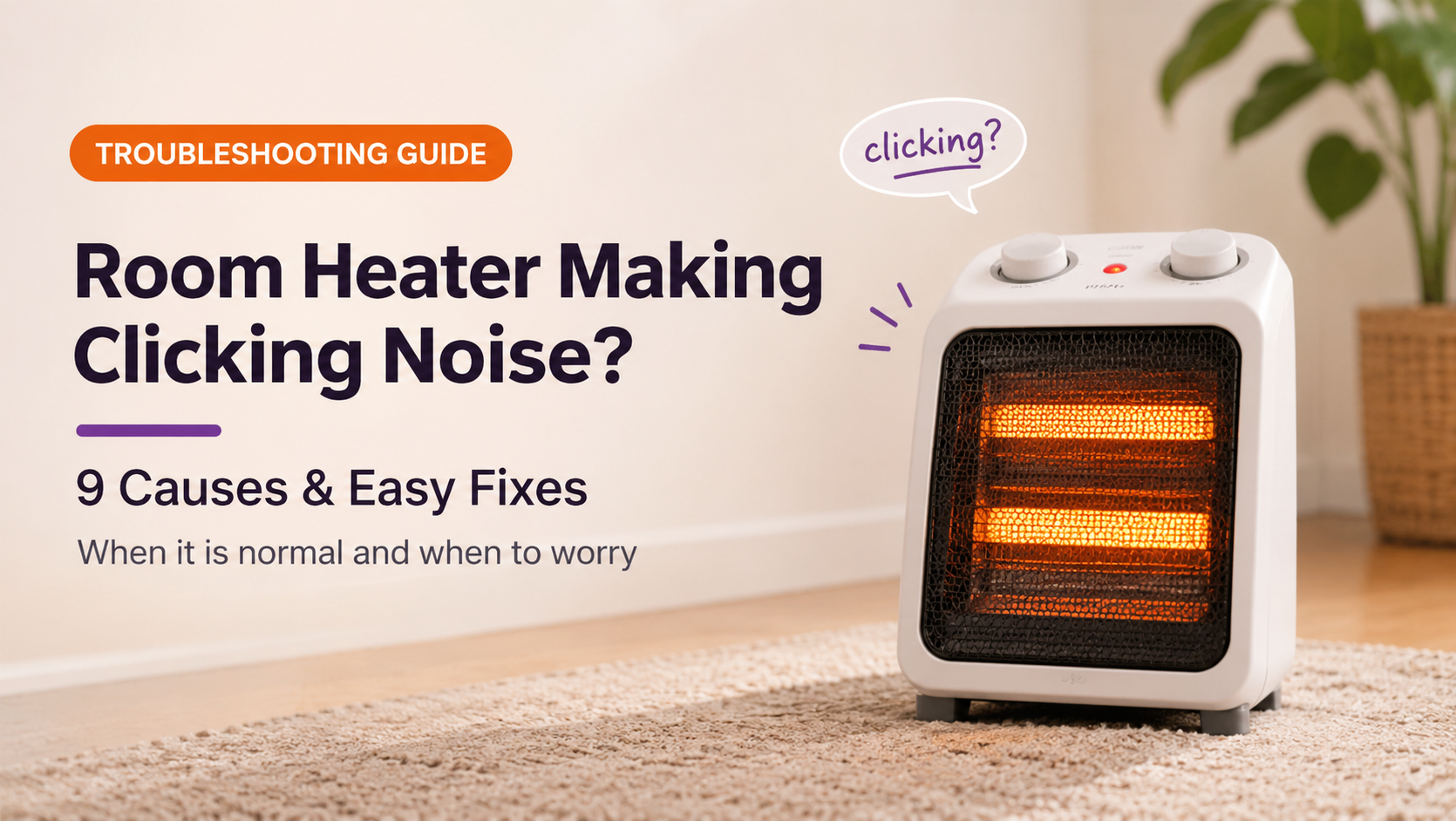
You switch on your heater, and soon you hear a tick, a click or a repeated tapping sound. A room heater making a clicking noise is very common, and in many cases it is completely normal. But a few types of clicking can point to a loose part, a failing thermostat or an electrical problem that needs attention.
This guide explains why heaters click, how to tell normal sounds from warning signs, nine common causes with fixes, safety advice and what to look for in a quieter replacement.
Why Do Heaters Click?
Heating elements, metal housings and plastic parts all respond to changes in temperature. As a heater warms up, parts expand slightly and shift against each other, producing small ticks. When the thermostat or relay switches the power on and off, it creates a distinct click. These are signs of a heater working normally.
9 Reasons Your Room Heater Makes a Clicking Noise
1. Thermal expansion and contraction
Why it happens: When the element heats up, the metal casing, grille and internal brackets expand slightly. As they cool, they shrink again. This movement produces ticks and clicks, usually in the first minutes after switching on and again after switching off.
What to do: No fix is needed. This is the most common and harmless reason. If the clicks fade as the heater settles, the heater is fine.
2. Thermostat switching on and off
Why it happens: When the room reaches the set temperature, the thermostat cuts power with an audible click, then clicks back on when the air cools. In a small room this can be frequent.
What to do: Raise or lower the thermostat setting and see whether the clicking pattern changes. A click every few minutes is normal thermostat cycling.
3. Relay or timer clicks on digital heaters
Why it happens: Digital and remote-controlled heaters use a relay to switch the element. It makes a soft, sharp click each time it switches, sometimes along with a beep.
What to do: One soft click per switch is normal. If the clicks are loud, very fast or the heater switches rapidly, the relay or control board may be failing.
4. Dust, debris or a foreign object touching the fan
Why it happens: A piece of lint, a hair or a small object caught by the fan blades causes a ticking sound that follows the fan speed.
What to do: Unplug the heater, let it cool, and clean the grille and fan area with a vacuum and a soft brush. Remove any visible debris carefully.
5. Loose grille, panel, screws or base
Why it happens: Vibration from the fan can rattle a loose cover, screw or plastic clip against the housing, creating a repeated click.
What to do: Unplug and gently check that the grille and covers are seated properly. Tighten visible screws only if they are exposed and safe to reach.
6. Worn fan motor, bearings or blade
Why it happens: A damaged fan blade or worn bearing makes a rhythmic click or tick that gets faster at higher speeds. Over time it may grow louder, and the fan may slow down.
What to do: Switch between speed settings. If the clicking follows the fan speed and grows worse, the fan assembly needs professional repair or replacement.
7. Failing thermostat contacts (chattering)
Why it happens: Worn thermostat contacts can open and close repeatedly in quick succession, causing rapid clicking and an unstable heat output.
What to do: If the clicks are rapid and the heater keeps turning on and off every few seconds, stop using it. The thermostat needs replacement by a technician.
8. Loose plug, worn socket or electrical connection
Why it happens: A poor connection can arc slightly, producing a crackling or clicking sound, sometimes with a hot plug or flickering indicator light.
What to do: Unplug immediately if you smell burning, see sparks or the plug feels hot. Test another socket and have the cord, plug or socket inspected.
9. Oil heater expansion or trapped air
Why it happens: Oil-filled radiators make ticking and popping sounds as the oil heats and expands, and as the metal fins cool. Small air pockets can add gurgles or pops.
What to do: This is normal for oil-filled heaters. If you see oil leaking or the unit makes loud banging, stop using it and replace it.
Normal Clicking or a Problem?
The key is the pattern, the sound and any other signs. A single click now and then is rarely a worry. Constant, loud or fast clicking deserves a closer look.
Which Sounds Are Normal for Each Heater Type?
| Heater Type | Common Normal Sounds | Warning Sounds |
|---|---|---|
| Fan heater | Light ticking as it warms, fan hum | Rattling, scraping or fast ticking that follows fan speed |
| Ceramic (PTC) heater | Soft click at start-up and as thermostat cycles | Rapid chattering or buzzing |
| Oil-filled radiator | Ticking, popping while heating and cooling | Loud banging, gurgling with oil leak |
| Convector heater | Gentle ticks as metal expands | Repeated clicking with weak heat |
| Halogen or quartz heater | Light tick when switching on | Sparking, crackling or a buzzing tube |
Quick Symptom Diagnosis Table
| What You Hear | Likely Cause | What to Do |
|---|---|---|
| Occasional tick when warming or cooling | Thermal expansion | No action needed |
| Click every few minutes | Thermostat cycling | Normal, adjust the setting if desired |
| Ticking that follows fan speed | Debris, loose blade or bearing | Clean the fan area, check for damage |
| Rattle or click from the casing | Loose grille or screw | Check that covers are seated securely |
| Rapid clicking every few seconds | Faulty thermostat or relay | Stop using it and call a technician |
| Crackling or clicking with burning smell | Electrical fault at the plug or inside | Unplug at once and have it inspected |
Step-by-Step Checklist
- Listen carefully. Note when the click occurs: at start-up, while running, or when switching off.
- Check for other symptoms. Look for smell, smoke, flickering lights or weak heat.
- Unplug and cool down. Wait 30 minutes before touching the heater.
- Inspect the plug, cord and socket. Look for heat marks, loose pins or damage.
- Clean the vents and fan area. Remove dust and lint gently.
- Check for loose covers. Make sure the grille and housing are seated properly.
- Test at different settings. See whether the sound follows the fan speed or thermostat.
- Call a technician if the click is rapid or the heater smells. Do not continue using it.
DIY Fix or Professional Repair?
| You Can Do It Yourself | Leave to a Professional |
|---|---|
| Cleaning vents and fan area | Replacing the thermostat or relay |
| Checking that covers are seated | Repairing the fan motor or bearings |
| Testing another wall socket | Fixing wiring or control boards |
| Observing the sound pattern | Any sparking, burning smell or hot plug |
Repair or Replace?
Replace the heater if it is more than 5 to 7 years old, has a damaged cord, shows signs of burning, or makes loud rapid clicks that do not stop. Repair is sensible for newer heaters, units under warranty, or when the problem is a loose cover or a worn fan.
What to Look for When Buying a Quieter Room Heater
- Low noise rating or a quiet-operation mode, especially for bedrooms and study rooms.
- Heater type to match your needs: oil-filled and convector heaters are generally quieter than fan heaters.
- Solid build quality with well-fitted panels that resist rattling.
- Accurate thermostat for smooth temperature control without rapid switching.
- Tip-over and overheat protection for safety.
- Correct wattage for your room size.
- Good warranty and trusted certifications.
How to Keep Your Heater Quiet and Healthy
- Clean vents and the fan area regularly to prevent debris noises.
- Place the heater on a flat, stable surface to reduce vibration.
- Check the plug and cord at the start of every winter.
- Store the heater carefully so panels and clips stay in place.
- Replace aging heaters before parts wear out.
Frequently Asked Questions
Is it normal for a heater to click when it turns on?
Yes. Metal parts expand as they heat up, producing ticks and clicks. These usually fade within a few minutes.
Why does my heater click when it turns off?
As the heater cools, the metal parts contract and may click or tick. This is normal and harmless.
Why does my heater click on and off repeatedly?
The thermostat may be cycling normally. If the clicks are rapid, every few seconds, the thermostat or relay may be failing and the heater should be checked.
Can a clicking heater be dangerous?
Usually not. But clicking with a burning smell, sparks, a hot plug or a damaged cord is a danger sign. Unplug it and get it inspected.
Why does my heater make a ticking sound with the fan?
Dust, debris or a loose blade may be touching the fan. Clean the area gently. If the sound persists or worsens, the fan assembly may need repair.
Is it worth repairing a heater that clicks?
For a newer heater, yes, especially if the cause is simple. For an older one with a failing thermostat or electrical fault, replacement is often safer and cheaper.
Conclusion
If your room heater is making a clicking noise, first work out whether it is the normal sound of expanding metal or thermostat switching. Occasional, soft clicks are usually harmless. Rapid, loud or persistent clicking, or any clicking with a burning smell, weak heat or hot plug, means you should unplug the heater and call a technician. Choose a correctly sized, well-built heater with good safety features, and keep it clean so it stays quiet and safe all winter.