






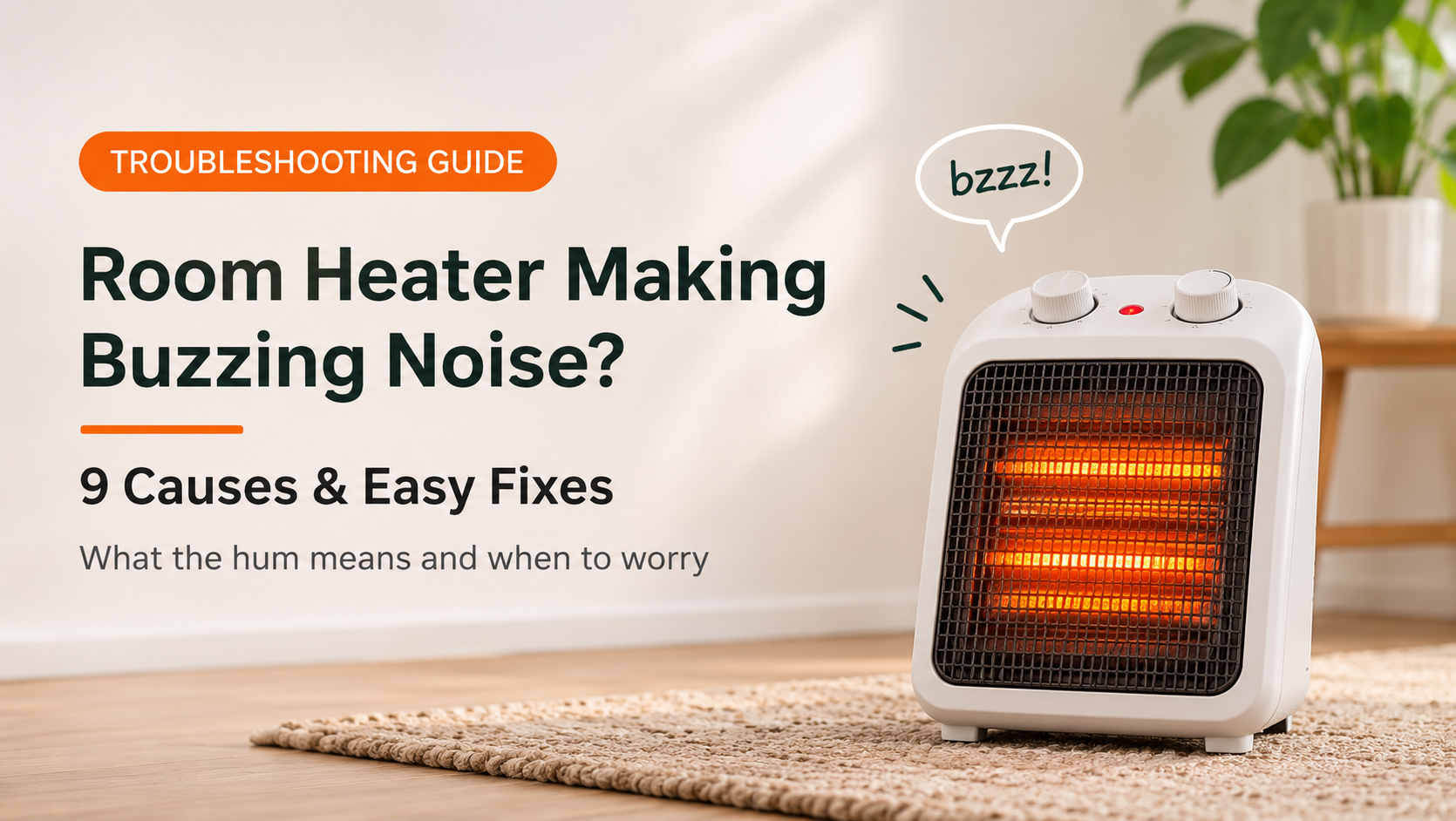
You turn on your heater and hear a hum, a whir or an angry buzz. A room heater making a buzzing noise is one of the most common winter complaints. Sometimes the sound is harmless, such as a normal fan hum or a loose cover. Other times it warns of dust, a failing motor or an electrical fault.
This guide explains where buzzing sounds come from, nine common causes with fixes, how to judge severity, safety advice and what to look for in a quieter replacement.
Where Does the Buzzing Come From?
A heater has moving parts (the fan), switching parts (the relay and thermostat), a heating element and a power connection. Any of them can hum or buzz. Knowing where the sound comes from helps you decide what to check first.
9 Reasons Your Room Heater Makes a Buzzing Noise
1. Normal fan motor hum
Why it happens: Fan heaters and many ceramic and convector models have a small motor. A soft, steady hum or whir from the fan is normal and is usually the loudest at the highest speed.
What to do: No fix is needed if the sound is soft and steady. Compare it with how the heater sounded when new. Only a clear change is a concern.
2. Loose grille, panel or screws
Why it happens: Fan vibration can make a loose grille, cover or plastic clip rattle, producing a buzzing sound that stops when you press the part lightly.
What to do: Unplug and let the heater cool. Check that the grille and covers are seated properly and tighten only exposed screws that are safe to reach.
3. Uneven or hollow surface amplifying the sound
Why it happens: A heater on a hollow table, shelf or tiled floor can make even a normal hum sound like a loud buzz, because the surface vibrates along with it.
What to do: Move the heater to a solid, flat surface. A thin rubber pad under the base can also reduce vibration.
4. Dust, lint or debris on the fan or motor
Why it happens: Dust builds up on blades and around the motor and makes the fan unbalanced. This leads to buzzing, whirring and often weaker airflow.
What to do: Unplug, cool down, and clean the grille, vents and fan area with a vacuum and a soft brush. Do not use water.
5. Worn fan motor or bearings
Why it happens: As a motor ages, bearings wear out and the fan wobbles. The sound turns into a grinding buzz or a whine that increases with speed and may be accompanied by a slow fan.
What to do: If cleaning does not help and the sound grows louder, the fan assembly needs repair or replacement by a technician.
6. Relay or thermostat buzzing
Why it happens: Relays and thermostats switch high current. When their contacts are worn or the coil is failing, they produce a buzz instead of a clean click, sometimes with rapid switching.
What to do: A faint buzz at the moment of switching can be normal. A constant or rapid buzz from the controls means the relay or thermostat should be checked by a technician.
7. Vibrating or loose heating element
Why it happens: Heating elements expand as they heat. A loose coil, quartz tube or ceramic plate can vibrate against its holder and hum or crackle. Dust burning on the element can crackle too.
What to do: Clean the vents. If the buzz or crackle continues, or you smell burning, stop using the heater and have the element inspected.
8. Loose plug, worn socket or extension cord
Why it happens: A poor connection between the plug and the socket can arc slightly, creating a buzz or sizzle, often with a warm plug, discolored pins or flickering lights.
What to do: Unplug at once if the plug is hot or smells. Try another wall socket, avoid extension cords, and have damaged plugs, cords or sockets repaired.
9. Control board, capacitor or power supply hum
Why it happens: Digital heaters have electronic parts. A failing capacitor, transformer or power supply can produce a high-pitched whine or buzz, and voltage fluctuations can make it worse.
What to do: Try a different socket and avoid sharing the circuit with large appliances. If the whine persists, the board needs professional repair or the heater should be replaced.
How Serious Is the Buzzing?
Judge by loudness, change over time and any other signs. A soft hum that has always been there is rarely a worry. A new, louder or crackling buzz deserves attention.
Normal Sounds by Heater Type
| Heater Type | Common Normal Sound | Warning Sound |
|---|---|---|
| Fan heater | Steady fan hum or whir | Grinding, scraping or growing buzz |
| Ceramic (PTC) heater | Soft fan hum, brief buzz at start-up | Loud buzz, crackle or whine |
| Oil-filled radiator | Almost silent, occasional ticks | Buzzing from the controls or plug |
| Convector heater | Faint hum from the fan, if fitted | Buzzing relay or thermostat |
| Halogen or quartz heater | Light hum from the power supply | Crackle or sizzle from the tube |
Quick Symptom Diagnosis Table
| What You Hear | Likely Cause | What to Do |
|---|---|---|
| Soft steady hum | Normal fan motor | No action needed |
| Rattling buzz that stops when you press a panel | Loose grille or cover | Reseat or secure the panel |
| Buzz louder on a particular table | Surface vibration | Move to a solid, flat surface |
| Whirring buzz, weak airflow | Dust or worn fan | Clean, and repair if it continues |
| Buzz at the switch or control panel | Relay or thermostat | Have it inspected |
| Sizzle or buzz from the plug | Loose or damaged plug and socket | Unplug and get the plug and socket checked |
| High-pitched whine from a digital heater | Control board or power supply | Try another socket, then call a technician |
Step-by-Step Checklist
- Listen closely. Note whether the sound is a hum, rattle, whine or crackle, and when it starts.
- Check for warning signs. Look for smell, smoke, a hot plug or flickering lights.
- Unplug and cool down. Wait 30 minutes before touching the heater.
- Move it to a solid, flat surface. This removes amplified vibration.
- Clean the vents and fan area. Use a vacuum and a soft brush.
- Check that panels are secure. Press gently on the grille and covers to find rattles.
- Inspect the plug and socket. Look for heat marks, loose pins or damage, and try another wall socket.
- Test at different settings. If the buzz follows the fan speed, suspect the fan. If it follows the switch, suspect the relay or thermostat.
- Call a technician if the sound persists. Do not keep using a heater that crackles or smells.
DIY Fix or Professional Repair?
| You Can Do It Yourself | Leave to a Professional |
|---|---|
| Moving the heater to a solid surface | Replacing the fan motor or bearings |
| Cleaning vents and the fan area | Replacing the relay or thermostat |
| Checking that panels are secure | Repairing the control board or power supply |
| Testing another wall socket | Any sparking, crackling or burning smell |
Repair or Replace?
Replace the heater if it is more than 5 to 7 years old, has a damaged cord or plug, crackles or smells of burning, or if repair would cost more than half the price of a new unit. Repair makes sense for newer heaters, heaters under warranty, or simple issues like a worn fan or loose panel.
What to Look for When Buying a Quieter Room Heater
- Low noise rating or a quiet mode, especially for bedrooms, nurseries and study rooms.
- Heater type that suits your needs: oil-filled and convector heaters are generally quieter than fan heaters.
- Good build quality with tight panels that do not rattle.
- Brushless or well-made fan motor where available for smoother, quieter airflow.
- Tip-over and overheat protection for safety.
- Correct wattage for your room size.
- Reliable warranty and trusted certifications.
How to Keep Your Heater Quiet
- Clean vents and the fan area regularly to prevent dust buzzing.
- Place the heater on a solid, level surface.
- Plug directly into a wall socket and check the plug each season.
- Do not wrap the cord tightly or pull on it.
- Replace aging heaters before bearings and electronics wear out.
Frequently Asked Questions
Is it normal for a room heater to make a buzzing sound?
A soft hum from the fan is normal. A loud, growing or crackling buzz is not and should be checked.
Why does my heater buzz when it first turns on?
Brief buzzing at start-up can come from the relay, fan or element warming up. It should fade in a minute or two. If it continues, check for loose parts or dust.
Can dust make a heater buzz?
Yes. Dust on the fan blades or motor makes the fan unbalanced and noisy, and it can also cause crackling on the element. Regular cleaning prevents this.
Is a buzzing heater dangerous?
Not always. But buzzing with a burning smell, sparks, a hot plug or a crackling sound is a warning of an electrical fault. Unplug it and get it inspected.
Why does my heater buzz louder on some surfaces?
Hollow tables, shelves or tiled floors vibrate with the heater and amplify the sound. A solid, flat surface or a rubber pad reduces it.
Is it worth repairing a buzzing heater?
For a newer heater or one under warranty, yes. For an older unit with a failing motor or electrical fault, replacement is often safer and cheaper.
Conclusion
If your room heater is making a buzzing noise, start by identifying the sound and when it happens. A soft, steady hum is usually normal. Loose panels, a vibrating surface and dust on the fan are easy to fix at home. A loud buzz, crackle, burning smell or hot plug means you should unplug the heater and call a technician. Choose a quiet, well-built heater with strong safety features, and keep it clean so it stays calm, safe and warm all winter.