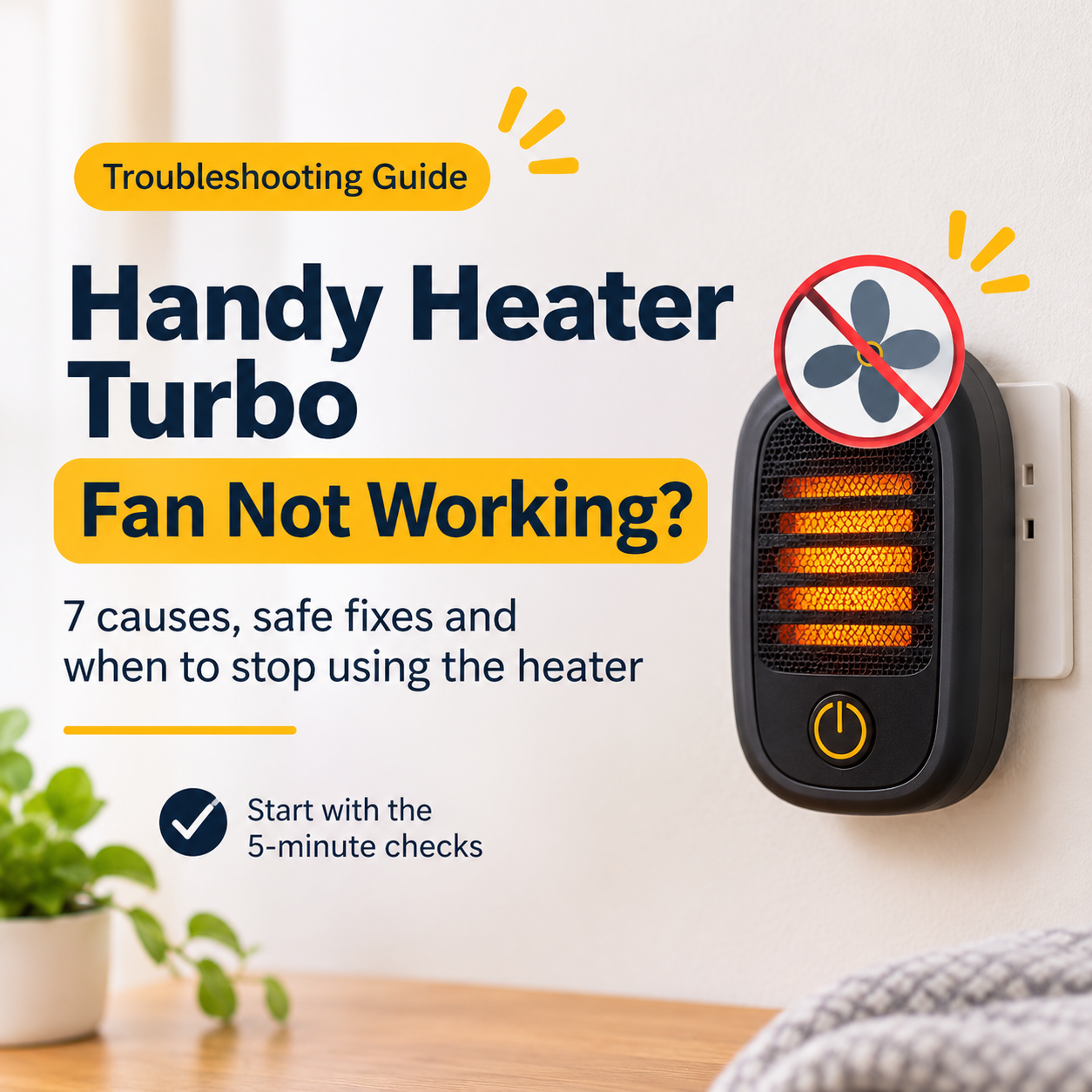
You press the power button, the display lights up, you may even hear a faint click, but the fan stays silent. No airflow, no warm air, and no clue what went wrong. A Handy Heater Turbo fan that is not working is frustrating, and it can also be a safety concern, because a heater depends on its fan to move heat away from the heating element.
The good news is that many fan problems have simple causes: a loose plug, a setting, a safety switch that tripped, or dust packed around the blades. This guide helps you work through the causes in the right order, shows you what is safe to do at home, and explains when you should stop and either use your warranty or replace the heater.
If the fan does not run, first check the power connection, then the mode, timer and thermostat. Next, unplug the heater, let it cool for 30 minutes and clean the vents and blades area, because dust and hair can jam the fan or trip the overheat protection. If the fan still does not spin, hums, or you smell burning, the motor or control circuit has probably failed. Stop using the heater.
Why the fan matters so much in a heater
In a compact fan heater, the heating element gets very hot, and the fan has two jobs: it pushes warm air into the room and it carries heat away from the element. When the fan stops, heat builds up inside the casing. Safety sensors are designed to switch the heater off in that situation, but you should never rely on them alone.
That is why a heater with a dead fan should be switched off and unplugged, even if it still seems to produce some warmth. The longer it runs without airflow, the higher the risk of damaging the unit.
Do not keep using a heater whose fan has stopped. Unplug it and let it cool completely before you inspect or clean anything.
7 reasons your Handy Heater Turbo fan is not working
1. No power reaching the heater
If nothing lights up and the fan is silent, the problem is usually the power supply rather than the heater. A plug that is not fully inserted, a dead socket, a tripped breaker or a faulty extension cord can all cut power.
Fix: push the plug fully into the socket, test another socket with a different device, check your breaker panel and avoid power strips. If another appliance also fails in that socket, the socket or circuit needs an electrician.
2. Mode, timer or thermostat settings
Some heaters stop the fan when the room reaches the set temperature, when a timer ends or when a certain mode is selected. It looks like a fault, but the heater is doing exactly what it was told to do.
Fix: cancel any timer, raise the temperature setting, switch to Heat or High mode and try again. If your model has a Fan-only mode, test that too, because it isolates the fan from the heating element.
3. Overheat or tip-over protection has tripped
When the internal temperature climbs too high or the unit is tilted, safety switches cut power. On some models this stops the fan too. Dust-blocked vents are the most common reason the overheat switch trips.
Fix: unplug the heater, wait 30 minutes, clean the vents, move it to a hard flat surface and restart. If your model has a reset button, press it only after the unit has cooled.
4. Jammed fan blades
Dust, pet hair, lint and tiny objects can wrap around the blades or sit in the fan housing. The motor may hum, twitch or struggle, but the blades do not spin properly.
Typical sign: a humming sound without rotation, or a fan that starts slowly and then stops.
Fix: with the heater unplugged and cool, look through the grille with a torch. Remove loose debris with a soft brush and a vacuum. A soft wooden stick or cotton swab can gently nudge the blades to see if they turn freely. Do not force them.
5. Worn or dry bearings
Over time, the bearings that support the fan shaft wear out or lose lubrication. The fan may spin slowly, squeak, rattle or stop after a few minutes of running.
Fix: cleaning can help for a short time, but worn bearings usually mean the motor assembly is near the end of its life. If the noise or slow spin returns, plan for a replacement.
6. A control, switch or wiring fault
If the display and buttons work but the fan never starts, the cause may be a loose connection, a faulty switch or a failing control board. Vibration, heat cycles and low-quality components can all weaken connections over time.
Typical sign: everything looks normal but the fan does not respond in any mode. Sometimes it works when you tap the unit, which points to a loose connection.
Fix: unplug the heater for ten minutes, reconnect and test again. If the fault remains, do not open the unit. Contact the seller or manufacturer.
7. A failed fan motor
A burnt-out motor is the most serious cause. It can follow a long period of overheating, constant daily use or a power surge.
Typical sign: a burning smell, a motor that is very hot to the touch, or a fan that stopped suddenly and never restarted.
Fix: stop using the heater. Use your warranty if it still applies, otherwise replace the unit.
Symptom decoder
Use this chart to match what you notice to the most likely cause.
Step-by-step: what to try first
- Check the basics. Make sure the plug is fully inserted and the socket works with another device.
- Review the settings. Cancel timers, raise the temperature and try each mode.
- Unplug and wait. Disconnect the heater for at least 30 minutes so safety switches can reset.
- Clean the vents and fan area. Follow the cleaning steps below.
- Restart on a hard flat surface. Plug directly into a wall socket and run it for ten minutes while you stay in the room.
- Decide. If the fan runs, you are done. If it does not, stop and move to the warranty or replacement stage.
How to clean the fan area safely
Dust is the number one enemy of small heater fans. A gentle clean often solves slow, noisy or jammed fans without any tools.
Never use water, sprays or wet cloths inside the heater. Moisture on electrical parts is dangerous. If dust is packed deep inside and cannot be reached through the grille, a professional should open the unit.
Safety rules you should always follow
Quick reference table
| Problem | Easy to fix at home? | Best action |
|---|---|---|
| Loose plug or dead socket | Yes | Reconnect, test another socket |
| Timer or mode setting | Yes | Cancel the timer, select Heat mode |
| Dust and debris around blades | Usually | Unplug, cool and clean the vents |
| Overheat or tip-over switch tripped | Yes | Cool down, clean and place on a flat surface |
| Worn bearings, slow or noisy fan | Rarely | Clean once, then replace if it continues |
| Control board or wiring fault | No | Warranty or replacement |
| Burnt motor, burning smell | No | Stop using immediately |
Repair, warranty or replacement?
For compact, low-cost heaters, repair is usually not worth it. The motor is often built into the unit, spare parts are rare and opening the casing is unsafe for non-experts. Follow this order:
- Check the warranty first. Contact the seller with your order details, the purchase date and a short description of the problem. A short video of the fan not spinning can speed up the process.
- Ask about return or exchange. Many sellers accept returns within a limited time.
- Replace the heater if both options are closed. A new heater costs less than a repair and gives you a fresh warranty.
What to look for in a replacement heater
- Tip-over and overheat protection. These must be built in.
- Recognised safety certification. Look for UL, ETL, CE or the equivalent mark in your country.
- Clear rated wattage. Honest listings show it. As a rough guide, many people use about 10 watts per square foot of floor area.
- Quiet, steady fan. Read recent reviews that mention noise and long-term use.
- Easy-to-clean grilles. Removable or accessible vents make maintenance easier.
- Warranty and returns. At least 12 months is a good sign.
Be careful with listings that promise whole-house heating from a tiny device that uses almost no electricity. Real heating needs real power, so realistic claims are a sign of a trustworthy seller.
Frequently asked questions
Why is the fan in my Handy Heater Turbo not spinning?
The most common reasons are a loose power connection, a mode or timer setting, a tripped overheat or tip-over switch, or dust and debris jamming the blades. Unplug the heater, let it cool, clean the vents and check the settings before assuming the motor has failed.
Can the heater work without the fan?
Some heaters can still produce heat for a short time, but this is unsafe. Without airflow the heat stays inside the unit and can trigger overheating or damage. Switch the heater off if the fan does not run.
Why does the fan stop but the lights stay on?
This usually points to a mode or timer setting, a thermostat that has shut the system down, a safety switch that has tripped, or a control fault. Unplug the heater for several minutes, plug it in again and check every setting.
Why does the fan hum but not turn?
A humming sound with no rotation usually means the blades are jammed or the motor is weak or failing. Unplug the heater and look for dust, hair or small objects near the blades. If nothing is blocking them, the motor needs professional attention or the unit needs replacing.
Is it worth repairing a small heater with a bad fan motor?
For most low-cost compact heaters, repair is rarely worth it. Replacement parts can be hard to find, labour costs are high, and opening the unit is unsafe for non-experts. Use the warranty if you can, otherwise replace the heater.
How can I stop the fan from failing again?
Clean the vents every two to four weeks in the heating season, keep the heater on a hard flat surface, avoid extension cords, and store it in a clean, dry place at the end of winter.
Final thoughts
When the fan in your Handy Heater Turbo stops working, start with the simple things: power, settings, safety switches and dust. A few minutes of careful checking and cleaning solves many cases. If the fan still will not spin, hums without moving, or you notice a burning smell, the motor or the control circuit has probably failed. In that case, stop using the heater and use your warranty or replace it.
Your safety matters more than saving a small repair cost. A heater without a working fan is not a heater you should leave running.
Disclaimer: This article is for general information only. Always follow the instructions in your product manual and consult a qualified electrician or the manufacturer for repairs. Some pages on this site may earn a commission from qualifying purchases at no extra cost to you.