Handy Heater Turbo Heating Slowly? Causes and Easy Fixes
You plugged in your Handy Heater Turbo, set the temperature, and waited. Ten minutes later the room still feels cold. Before you assume the heater is faulty, know this: slow heating is one of the most common complaints with small plug-in heaters, and in most cases the cause is something simple you can fix at home. This guide explains why it happens and exactly what to do about it.
First, Understand What the Turbo Is Designed to Do
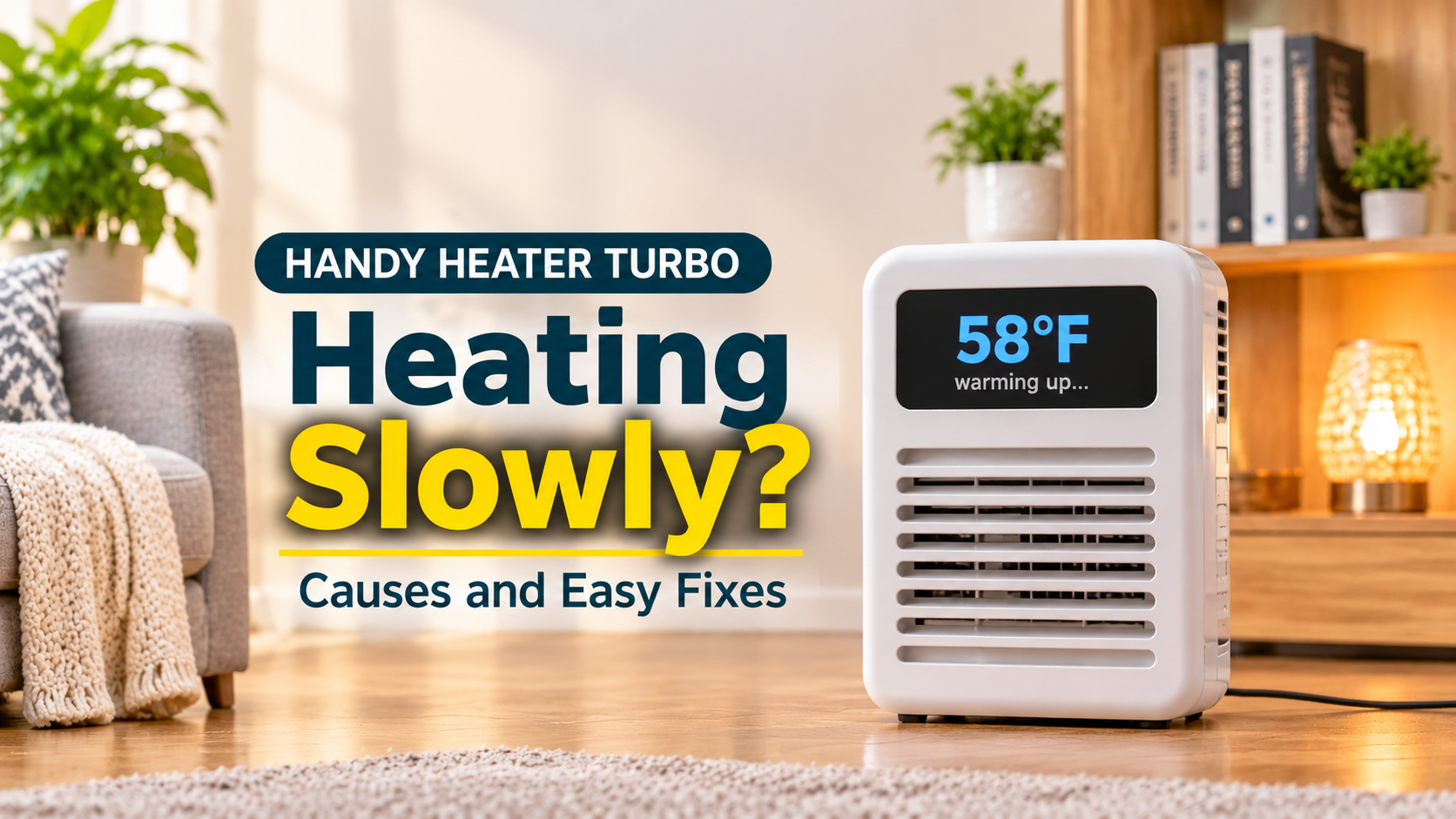
The Handy Heater Turbo (Turbo 800) is an 800-watt ceramic wall-outlet heater with a digital thermostat (about 60°F to 90°F) and a 12-hour timer. That is roughly 2,700 BTU of heat per hour. It is built to warm a small personal space, not to heat a whole room quickly. Many floor heaters deliver 1,200 to 1,500 watts, so some difference in speed is normal.
Why Is My Handy Heater Turbo Heating Slowly?

1. The Room Is Too Large
This is the number one cause. An 800-watt heater simply cannot raise the temperature of a big or open-plan room quickly. If you are heating a large living room, expect slow, limited results. The best fix is to use it in a smaller space or close the door to concentrate the warmth.
2. Drafts and Heat Loss
Open doors, gaps under doors, single-pane windows, and poor insulation can leak warm air as fast as the heater produces it. Close doors and windows, and block draughts with a towel or door strip.
3. The Thermostat Is Set Too Low
The heater only runs while the room is below your set temperature. If you set 68°F and the room is already 65°F, it will switch off and on as it reaches that value, and it may feel like it is barely working. Try setting it 5 to 10°F above the room temperature to keep it running steadily, then lower it once the room is comfortable.
4. The Room Sensor Is Reading Heat From the Unit
Because the heater sits at the wall, the thermostat can sense warm air near itself and shut off before the rest of the room has warmed. This is normal for a plug-in heater. Keep the area clear and be patient, or use the timer and a slightly higher setting.
5. Blocked or Dusty Vents
Furniture, curtains, or bedding in front of the heater block airflow. Dust and lint on the vents also reduce output. Unplug the unit, let it cool fully, and gently wipe the vents with a dry cloth or a soft brush. Never use water or open the casing.
6. Loose or Worn Wall Outlet
If the plug does not sit firmly, the heater may not receive full power or may cut out. Check that the plug is fully inserted and does not wobble. If the plug or outlet feels hot, stop using the heater and have the outlet checked by an electrician.
7. Using an Extension Cord or Power Strip
Heaters draw a lot of current. Extension cords and power strips can cause voltage drop and overheating. Always plug the Turbo directly into the wall.
8. Other Appliances on the Same Circuit
If a microwave, kettle, or another heater shares the circuit, the voltage can dip and the circuit breaker may even trip. Try a different outlet on another circuit.
9. Cold Surfaces and Cold Start
In a very cold room, walls, floors, and furniture soak up heat. The air may warm slowly at first because everything around it must warm up too. Give the heater 20 to 30 minutes in a closed room before judging performance.
10. A Faulty Unit
If you have ruled out everything above and the heater still produces little or no warmth, the unit may be defective. Some buyers report heaters that stopped heating after a period of use. Check the warranty and contact the seller.

Step-by-Step Fixes
- Check the setup: plug the heater directly into a wall outlet and make sure it sits firmly.
- Raise the thermostat: set it 5 to 10°F above the current room temperature.
- Close the room: shut doors and windows and block draughts.
- Clear the front: keep at least three feet free of curtains, furniture, and bedding.
- Clean the vents: unplug, cool, and dust them off.
- Try another outlet: pick one on a different circuit.
- Be patient: allow 20 to 30 minutes in a small room.
- Contact the seller: if it is still weak or does not heat, use your warranty or return window.
How Long Should It Take to Warm a Room?
There is no exact number, because it depends on room size, insulation, and starting temperature. As a rough guide, these times assume a closed room:

These are estimates for comparison, not guaranteed results.
Tips to Heat Faster
- Use it in a small, closed room.
- Pre-warm the room with the 12-hour timer before you need it.
- Hang a thick curtain over windows to reduce heat loss.
- Put a rug on bare floors to reduce cold coming from below.
- Keep the unit clean and unobstructed.
- Wear warm clothing and use a blanket to feel warmer while the room heats up.
Safety Reminder
- Never cover the heater or put anything in front of it.
- Do not use it with extension cords or power strips.
- Do not try to repair or open the heater yourself.
- Stop using it if you smell burning, see sparks, or the plug becomes very hot.
When Is It Better to Choose a Stronger Heater?
If you have tried every fix and the heater is working normally but your room is large, the problem is not a defect but a mismatch. A higher-wattage heater, such as a 1,200 to 1,500-watt model, will warm a bigger room faster. The Turbo remains a good choice for desks, bathrooms, and small bedrooms.
Frequently Asked Questions
Why does my Handy Heater Turbo take so long to warm up?
It has only 800 watts, so it needs time, and drafts or a large room slow it further.
Why does it turn off before the room is warm?
The thermostat may be reaching its set point. Raise the setting or let the room warm gradually.
Is it normal for the heater to feel only mildly warm?
Ceramic wall-outlet heaters produce gentle heat, so the air coming from the unit is warm rather than hot.
Can I use an extension cord to place it somewhere better?
No. Plug it directly into the wall for safety and full power.
When should I return it?
If it produces little or no heat in a small, closed room after trying a different outlet, contact the seller about the warranty or return.