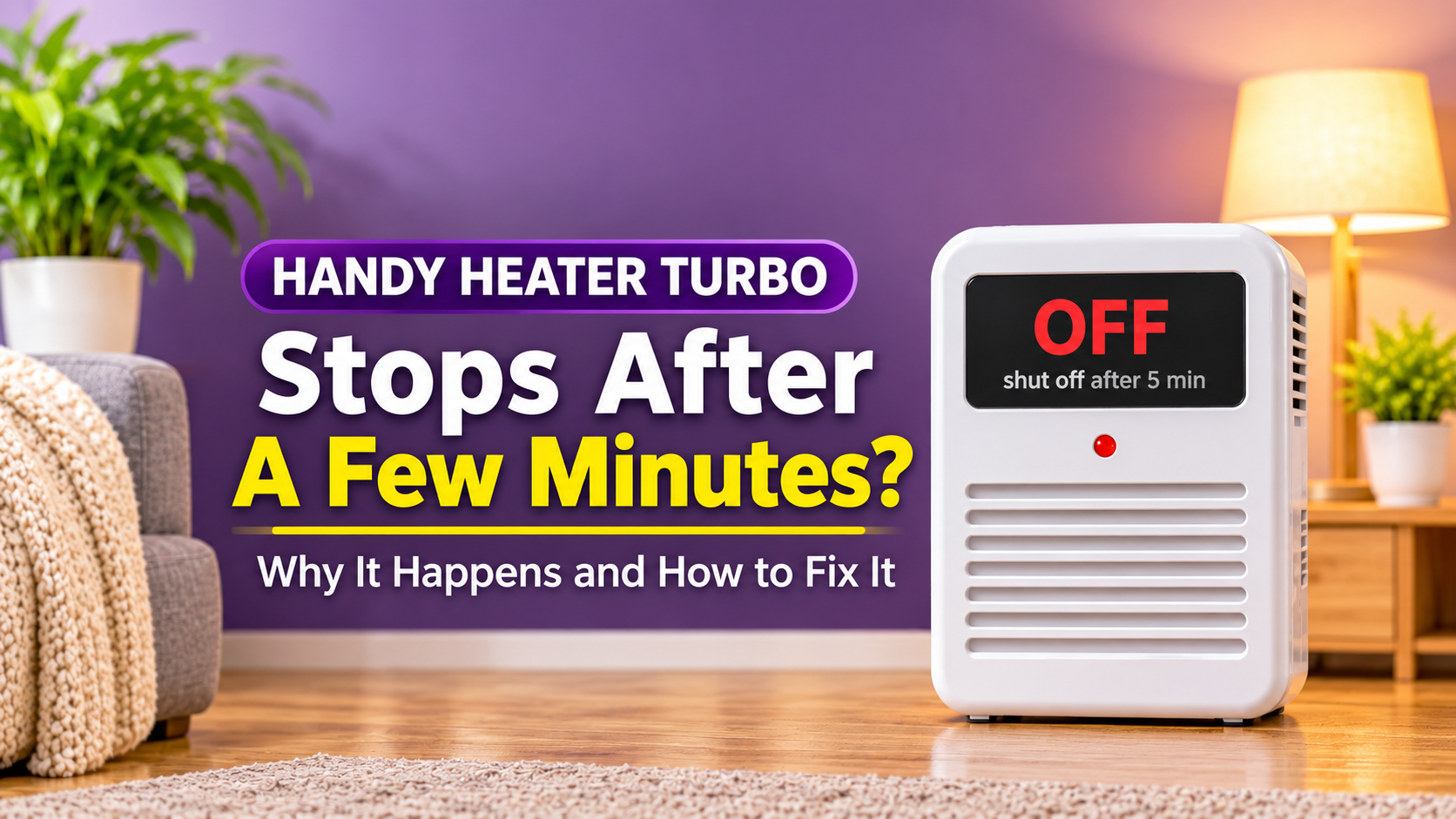
Handy Heater Turbo Stops After a Few Minutes? Causes and Fixes
You switch on your Handy Heater Turbo, feel the warmth start, and then it shuts off after a few minutes. It can be confusing and a little worrying. The good news is that this problem often has a simple explanation, and sometimes it is not a fault at all. This guide explains why your heater may stop, how to tell normal behaviour from a real problem, and what to do about it.
Is It Normal for the Handy Heater Turbo to Turn Off?
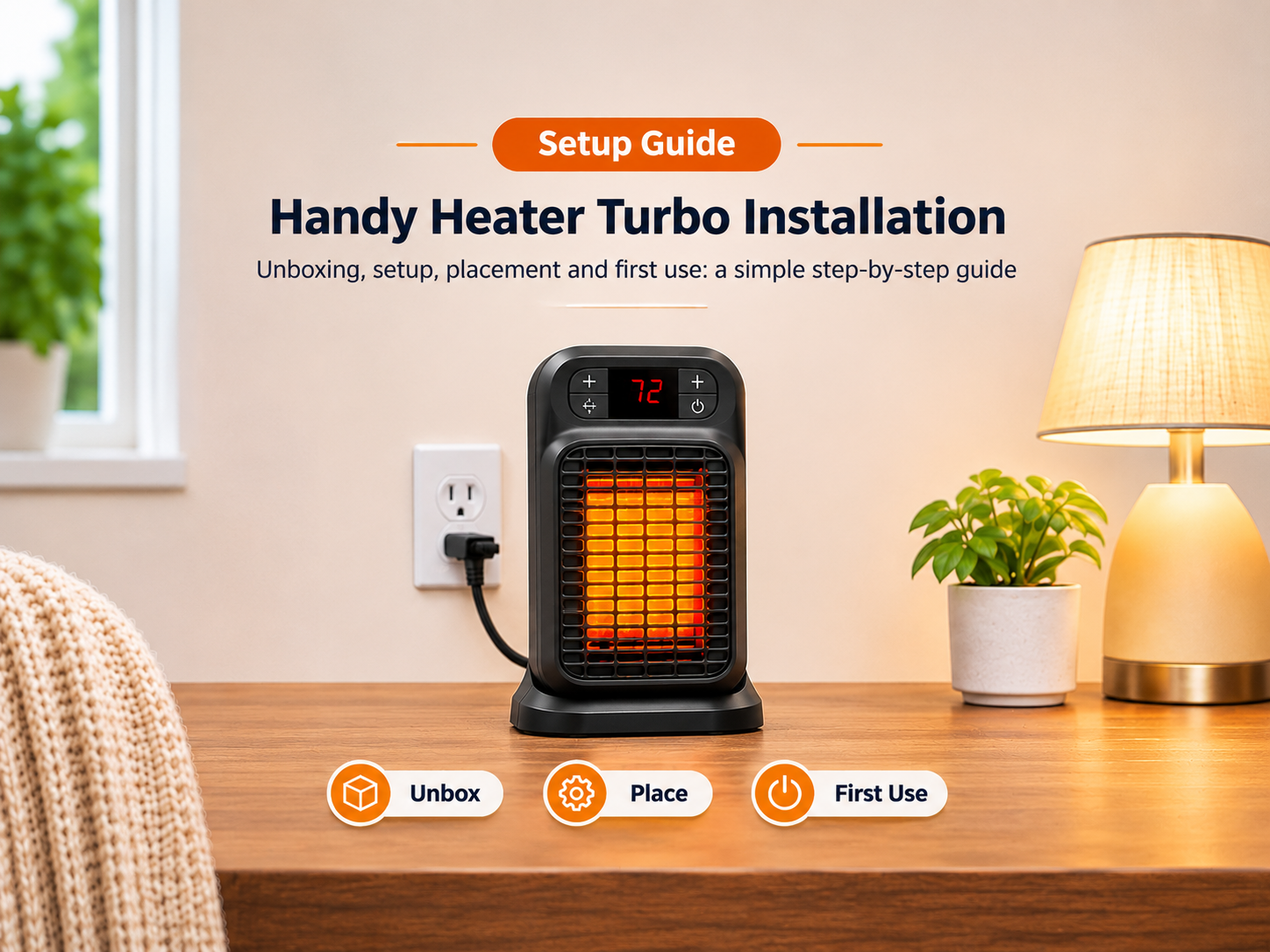
Sometimes, yes. The Handy Heater Turbo (Turbo 800) is an 800-watt ceramic wall-outlet heater with a digital thermostat (about 60°F to 90°F), a 12-hour timer, and auto shut-off safety. It is designed to switch itself off in certain situations. The key is figuring out why it is stopping.

Reasons It Stops After a Few Minutes
1. The Room Has Reached the Set Temperature
This is the most common reason and it is completely normal. The thermostat shuts the heater off when the room reaches your target temperature, then restarts it when the room cools. In a small room, this can happen quickly. Check the display: if the room temperature is already close to your setting, nothing is wrong. Raise the set temperature a few degrees if you want continuous heating.
2. The Timer Is Active
If the 12-hour timer was set, even by accident, the heater will switch off when the time is up. Check the timer setting and cancel it if you do not need it.
3. Overheat Protection (Blocked or Dusty Vents)
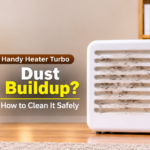
Heaters have a safety mechanism that cuts power if the unit gets too hot. Furniture, curtains, or bedding in front of the heater, or dust and lint inside the vents, can trap heat and trigger this shut-off. Once the heater cools, it may work again for a few minutes and shut off again. Unplug it, let it cool fully, clear the area, and gently wipe the vents with a dry cloth or soft brush. Never use water or open the casing.
4. Loose Plug or Worn Wall Outlet
The heater is held by the outlet. If the outlet is loose or worn, the plug can lose contact and cut power. A hot plug or outlet is a warning sign. Stop using the heater and have the outlet inspected by a qualified electrician.
5. Tripped Breaker or GFCI Outlet
If the heater and other appliances share a circuit, the combined load can trip the breaker. Bathrooms and kitchens often use GFCI outlets, which can trip if they detect a fault or moisture. If other items in the room lost power too, check your breaker panel or press the reset button on the outlet. Try plugging the heater into a different circuit.
6. Extension Cord or Power Strip
Heaters draw a lot of current, and extension cords or power strips can overheat or cause voltage drops. Always plug the heater directly into the wall.
7. Voltage Fluctuations
Unstable power can cause electronics to reset. If lights flicker or other devices act up, the problem may be your electrical supply rather than the heater.
8. A Faulty Thermostat or Unit
If you have ruled out everything above, the heater may have an internal fault. Some buyers report units that stopped heating after a period of use. Check your warranty and contact the seller.

Step-by-Step Troubleshooting
- Read the display: check the room temperature against your set temperature.
- Check the timer: cancel it if it is on.
- Unplug and cool: let the heater sit for at least 15 to 30 minutes.
- Clear and clean: remove anything in front of it and dust the vents.
- Re-seat the plug: make sure it sits firmly and does not wobble.
- Remove cords and strips: plug directly into the wall.
- Test another outlet: choose one on a different circuit.
- Check breakers: reset the breaker or GFCI if tripped.
- Observe again: run it for 20 to 30 minutes in a small closed room.
- Contact the seller: if it still shuts off, use your warranty or return window.
How Serious Is Each Cause?

How to Prevent It From Happening Again
- Keep at least three feet of clear space in front of the heater.
- Dust the vents regularly while the unit is unplugged and cool.
- Use it in a small room rather than pushing it to heat a large area.
- Avoid sharing a circuit with other high-power appliances.
- Replace worn outlets before plugging in a heater.
- Check the timer setting each time you use it.
Safety First
- Do not try to open or repair the heater yourself.
- Stop using it if you smell burning, see sparks, or the plug becomes very hot.
- Do not keep resetting a heater that repeatedly shuts off for unknown reasons.
- Never cover the heater or bypass the safety shut-off.
When to Replace or Return It
If the heater shuts off repeatedly in a small, closed room, with clear vents, a firm outlet, and no cords or strips, the unit is likely defective. Contact the seller, keep your receipt, and use the warranty or return period. If your outlet is the problem, repair it before using any plug-in heater.
Frequently Asked Questions
Why does my Handy Heater Turbo turn off by itself?
Most often the thermostat has reached its set temperature, the timer finished, or the overheat protection activated.
Is auto shut-off a defect?
No. It is a safety feature. Repeated shut-offs, however, show something needs attention.
Why does it turn off and then come back on?
That is typical thermostat cycling, or overheat protection resetting after the unit cools.
Can a loose outlet cause it to stop?
Yes. A poor connection can interrupt power and also create heat, which is a safety risk.
Should I keep using it if it keeps shutting off?
Not if the cause is unknown. Stop using it, troubleshoot, and contact the seller if the problem continues.