



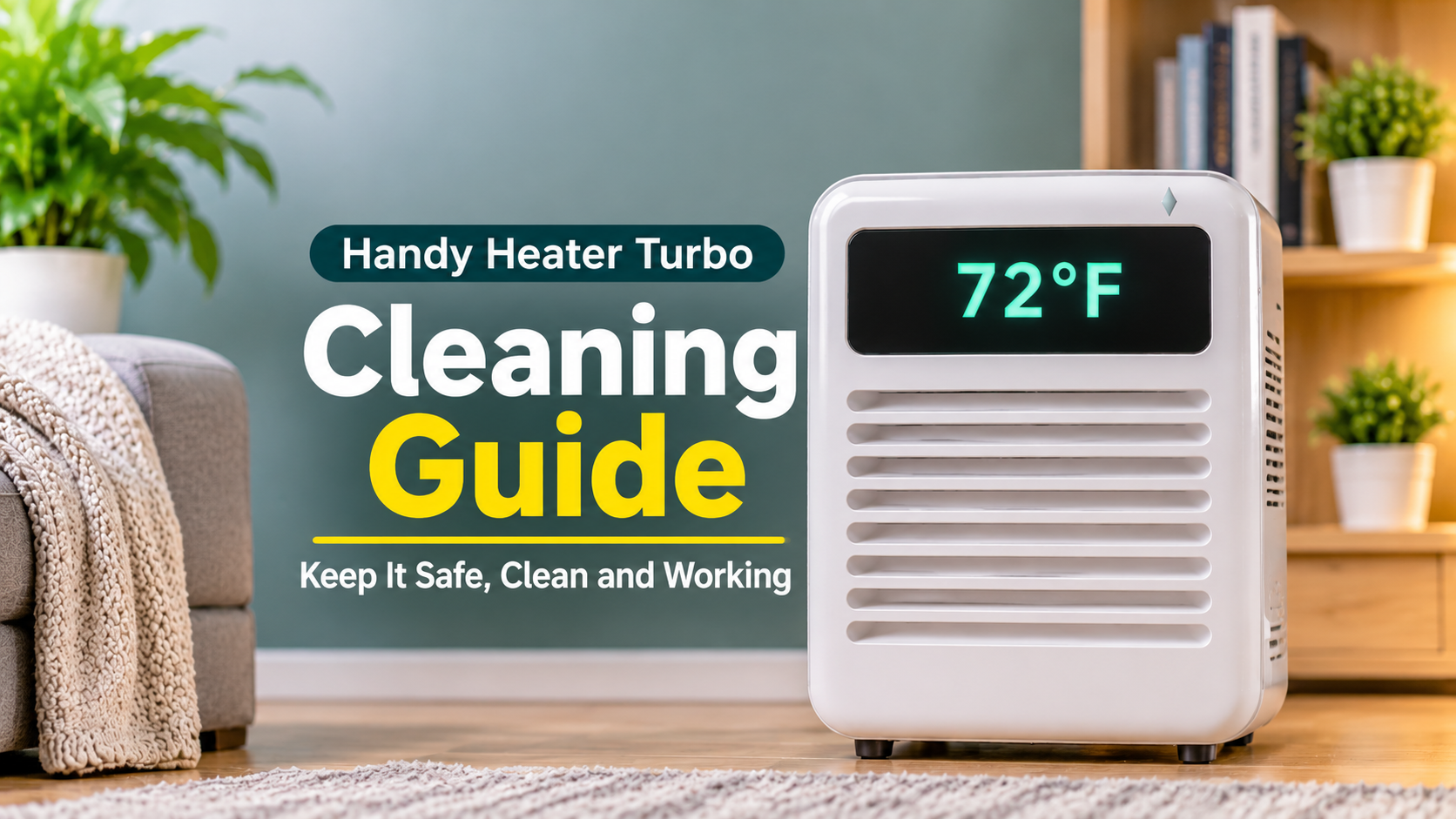
How to Clean the Handy Heater Turbo: A Complete Cleaning and Care Guide
A clean heater is a safer and more effective heater. The Handy Heater Turbo is small and simple, but it still collects dust, lint, and everyday grime. Knowing how to clean it properly helps it heat better, run safely, and last longer. This guide covers everything: what to use, how to clean each part, what to avoid, and how to keep the heater in good condition all season.
Why Cleaning Your Handy Heater Turbo Matters
- Better heating: clear vents let warm air flow freely.
- Safety: dust and lint are flammable and can cause overheating.
- Fewer shut-offs: overheat protection triggers less often when vents are clean.
- Fresher air: less burning-dust smell when you switch it on.
- Longer life: less strain on a budget heater.
Before You Start: Safety Rules
- Always unplug the heater before cleaning.
- Let it cool completely. Wait at least 15 to 30 minutes after use.
- Never get water inside the vents, display, or plug area.
- Never open the casing or take the heater apart.
What You Will Need
- A soft, dry brush or clean paintbrush
- A vacuum with a brush attachment
- A dry microfibre cloth
- A barely damp cloth for the outer case
- Optional: compressed air and cotton swabs
Parts of the Heater and How to Clean Them

Step-by-Step: How to Clean the Handy Heater Turbo
Step 1: Unplug and Cool Down
Remove the heater from the wall and set it on a stable, dry surface. Give it time to cool fully before touching the vents.
Step 2: Clean the Vents
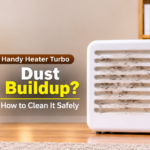
Use a soft brush to loosen dust and lint from the vents, working gently from side to side. Follow with a vacuum on low suction using the brush attachment. For stubborn dust, use short bursts of compressed air, holding the can upright and a few inches away.
Step 3: Wipe the Outer Casing
Wipe the casing with a dry microfibre cloth. For marks or smudges, use a cloth that is only slightly damp and wipe again with a dry cloth. Keep moisture away from vent openings and edges.
Step 4: Clean the Display
Wipe the digital display and buttons gently with a dry microfibre cloth. Do not spray any liquid on it. A cotton swab can help with dust around the edges.
Step 5: Check and Wipe the Plug
Look at the plug prongs for dust, discoloration, or dark marks. Wipe them with a dry cloth. If you see burn marks or the prongs look bent, do not use the heater and contact the seller.
Step 6: Clean Around the Outlet
Dust the wall plate and the area around the outlet with a dry cloth or the vacuum brush. Do not push anything into the outlet slots. If the outlet looks scorched, loose, or damaged, have an electrician look at it before using the heater again.
Step 7: Dry and Reinstall
Make sure the heater is completely dry. Plug it directly into the wall outlet and run it for a few minutes to confirm it works normally.
Cleaning Do’s and Don’ts

How Often Should You Clean the Handy Heater Turbo?
A quick wipe of the vents every few weeks during heavy use is a good general guide. Clean more often if you have pets, carpets, or a dusty room. Do a full clean before the first use each winter and again before storing the heater.
Maintenance Calendar

Common Cleaning Mistakes
- Using water or spray cleaners: moisture can damage the electronics and create a shock risk.
- Cleaning while warm or plugged in: this risks burns and electric shock.
- Using high suction or hard brushes: they can bend or damage the grille.
- Opening the heater: unsafe and may void the warranty.
- Forgetting the plug and outlet: hot, dirty connections can cause power problems.
Cleaning Tips for Special Situations
If You Have Pets
Pet hair gathers fast on low-mounted heaters. Brush and vacuum the vents more often, and groom pets regularly.
If the Heater Smells Dusty
A light smell during the first few minutes is common after storage. Clean the vents, ventilate the room, and run it again. If the smell is strong or does not fade, stop using it.
If You Spilled Something on It
Unplug it right away and do not turn it on. Wipe the outside with a dry cloth and let it dry completely for at least 24 hours. If any liquid got inside, do not use it. Contact the seller.
Storing the Heater After Winter
- Unplug the heater and let it cool.
- Clean the vents, casing, and plug.
- Make sure it is completely dry.
- Store it in the original box or a clean bag.
- Keep it somewhere dry and away from extreme heat or cold.
When Cleaning Is Not Enough
If the heater still heats slowly, shuts off, or has no power after a good cleaning, the cause may be the outlet, the circuit, or the heater itself. Check that the plug is firm and the outlet is in good condition. If the problem continues, contact the seller about the warranty. Stop using the heater if you notice sparks, smoke, or a persistent burning smell.
Frequently Asked Questions
Can I wash the Handy Heater Turbo with water?
No. Use dry tools, and at most a barely damp cloth on the outer case.
How do I clean the vents?
Unplug and cool the heater, brush gently, then vacuum with a brush attachment on low suction.
Can I use compressed air?
Yes, in short bursts from a distance with the heater unplugged and cool.
Is it safe to open the heater to clean inside?
No. Clean only the outer surfaces and vents.
How often should I clean it?
Every few weeks during use, and fully before and after each winter season.
Why does it smell when I turn it on after cleaning?
Leftover dust can burn off briefly. The smell should disappear quickly. If it persists, unplug the heater and clean it again.