








Quick answer
It depends on how you use AI. If you only use online tools like ChatGPT, Claude or Gemini, you do not need a GPU. If you want to run AI models on your own computer, generate images, or train models, a GPU with enough VRAM makes the difference between a smooth experience and a painful one.
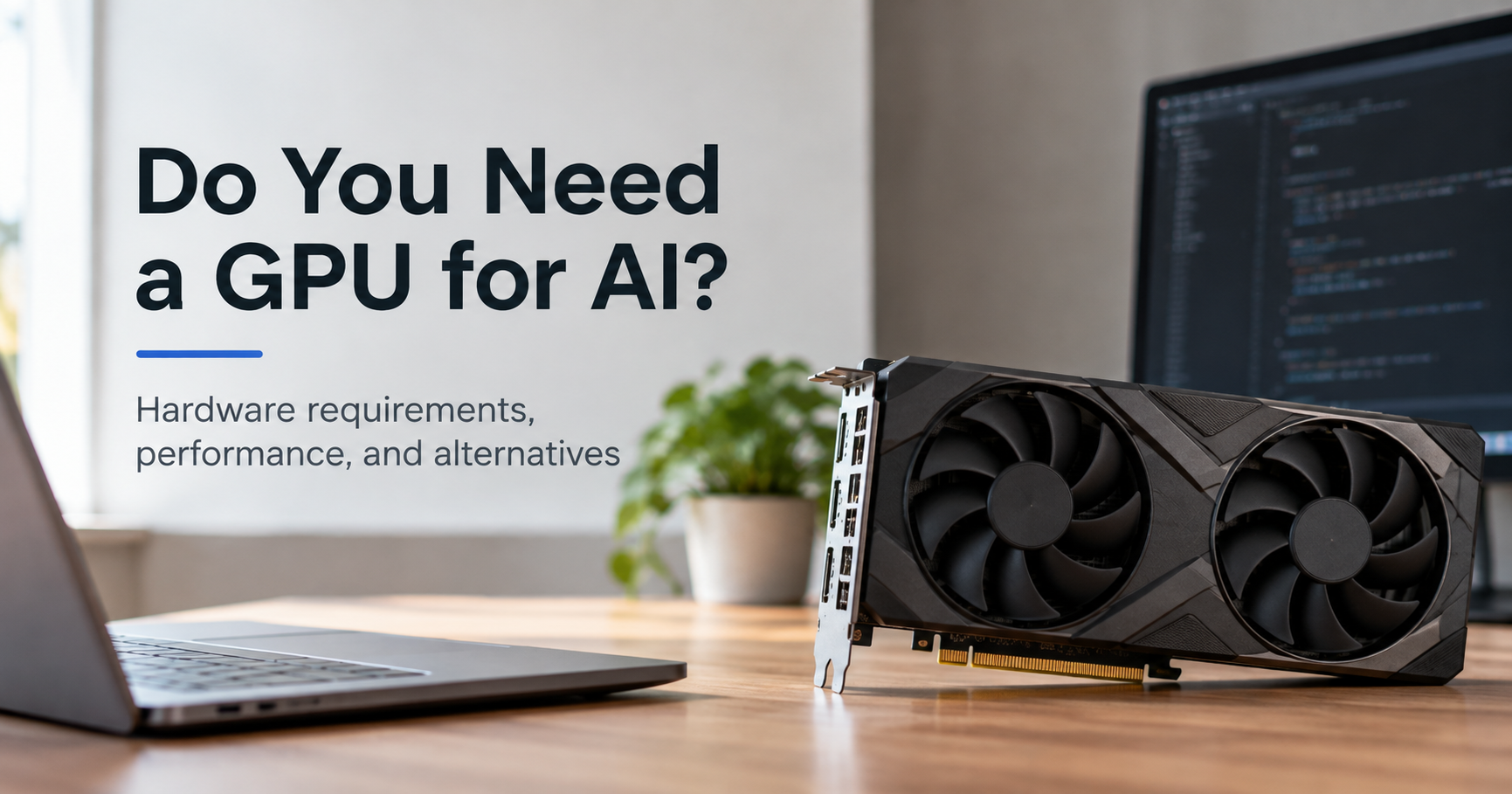
Everyone is talking about AI, and sooner or later the same question comes up: do I need a GPU for AI? Hardware forums give conflicting answers, shops push expensive graphics cards, and beginners end up unsure whether to spend money at all. This guide explains the real answer in plain language, so you can decide what fits your goals and your budget before you buy anything.
What Does a GPU Actually Do in AI?
A GPU (graphics processing unit) was originally built to draw video game graphics. Drawing graphics means doing the same kind of math on millions of pixels at the same time. It turns out that modern AI relies on exactly this kind of math: huge grids of numbers (matrices) multiplied together, again and again.
A CPU has a small number of powerful cores that handle tasks one after another very well. A GPU has thousands of smaller cores that handle many simple calculations in parallel. For AI workloads, that parallel power can make tasks many times faster than a CPU alone.
Do You Need a GPU? It Depends on What You Do
The most useful way to answer this question is to look at your actual use case. Here is an honest breakdown.
1. Using online AI tools (ChatGPT, Claude, Gemini, Copilot)
GPU needed: No. When you chat with an online assistant, the heavy work happens on the provider’s servers. Your device only needs a modern browser and a stable internet connection. A basic laptop or even a phone is enough.
2. Learning machine learning and building small projects
GPU needed: Not at first. Classic machine learning with libraries like scikit-learn, and small neural network experiments, run fine on a normal CPU. When a project grows, free and low-cost cloud notebook services give you temporary GPU access without any purchase. This is the smartest way for most students to begin.
3. Running local language models (LLMs)
GPU needed: Strongly recommended. You can run small models on a CPU, but responses are slow. With a GPU that has enough VRAM, a local model feels fast and usable. People run local models for privacy, offline use, no subscription fees, and the freedom to experiment.
4. AI image generation (Stable Diffusion, Flux and similar)
GPU needed: Yes, practically. Image generation on a CPU can take many minutes per picture. On a decent GPU the same picture can take seconds. If image or video generation is your main goal, the GPU is the single most important part of your computer.
5. Fine-tuning and training models
GPU needed: Yes, and a big one. Training needs far more memory and compute than simply running a model. Techniques such as LoRA and quantization reduce the cost, but serious training still benefits from 24 GB of VRAM or more, or from renting powerful cloud GPUs by the hour.
| Use case | GPU needed? | Suggested minimum |
|---|---|---|
| ChatGPT, Claude, Gemini online | No | Any device with a browser |
| Learning ML basics | Not required | Normal laptop plus free cloud notebooks |
| Small local LLMs | Recommended | 8-12 GB VRAM |
| Larger local LLMs | Yes | 16-24 GB VRAM |
| Image generation | Yes | 8-12 GB VRAM (16 GB+ is more comfortable) |
| Fine-tuning / training | Yes | 24 GB+ VRAM or cloud GPUs |
VRAM: The Number That Matters Most
When people compare GPUs for AI, they often focus on speed. In practice, VRAM (video memory) matters more. A model must fit in the GPU’s memory to run well. If it does not fit, the software has to move data to slower system RAM or refuses to run at all.
That is why a slower card with more VRAM is often a better AI choice than a faster card with less. Model size, numeric precision and quantization all change how much memory you need. Quantization (for example 4-bit) shrinks a model so it fits on smaller cards with only a small quality loss.
Rule of thumb
For comfortable local AI today, aim for at least 12 GB of VRAM, and prefer 16 GB if your budget allows. 8 GB cards still work for lighter tasks, but you will hit limits quickly.
NVIDIA vs AMD vs Apple vs Intel for AI
Not all graphics hardware is equal for AI. Software support is the deciding factor.
| Platform | Strengths | Weaknesses |
|---|---|---|
| NVIDIA (CUDA) | Best software support. Almost every AI tool works out of the box. | Higher prices, VRAM can be limited on lower-end cards |
| AMD (ROCm) | Often more VRAM for the money, support is improving | Setup is harder, some tools lag behind or need workarounds |
| Apple Silicon (M-series) | Unified memory lets large models fit, quiet and power efficient | Slower than top NVIDIA cards for image generation and training |
| Intel Arc | Affordable, growing support | Smaller community and fewer ready-made guides |
For beginners who simply want things to work, NVIDIA is the safest choice. If you already own a Mac with plenty of unified memory, it is a very capable machine for running local language models.
Can You Do AI Without a GPU?
Yes, and many people should. You have three solid options:
- Use online AI services. Zero hardware cost and always up to date.
- Rent cloud GPUs. You pay only for the hours you use, ideal for occasional training or heavy jobs.
- Run small models on your CPU. Smaller quantized models work on modern processors with enough RAM, just slower. Newer laptops with an NPU can also accelerate light AI features.
Buy a GPU or Rent One in the Cloud?
| Buying a GPU | Renting cloud GPUs | |
|---|---|---|
| Upfront cost | High | Very low |
| Best for | Daily use, privacy, long-term hobby or work | Occasional heavy jobs, testing, big training runs |
| Ongoing cost | Electricity only | Pay per hour, adds up with heavy use |
| Privacy | Your data stays at home | Data is processed on someone else’s machines |
| Flexibility | Fixed hardware | Pick stronger hardware whenever needed |
If you will use AI for a few hours every week, buying usually pays off over time. If you only need power now and then, renting is cheaper and avoids hardware becoming outdated.
What Kind of GPU Should You Buy?
Entry level: 8-12 GB VRAM
Good for learning, smaller language models and basic image generation. A 12 GB card, such as the long-popular RTX 3060 12GB class, is often better for AI than faster 8 GB cards. Buying used can stretch a tight budget, but check condition and warranty.
Sweet spot: 16 GB VRAM
Cards in the 16 GB class, for example RTX 4060 Ti 16GB, RTX 4070 Ti Super or RTX 5060 Ti 16GB and RTX 5070 Ti, give the best balance of price and capability. They handle most popular local LLMs and modern image models comfortably.
Enthusiast and pro: 24 GB and above
Cards such as the RTX 3090, RTX 4090 and RTX 5090 (32 GB) are for people running large models, doing video generation or fine-tuning. A used 24 GB card can be a very strong value if it is in good condition. Always compare current prices and availability before buying, since they change often.
Buying tip
Check three things before you pay: the VRAM size, your power supply wattage and your case size. Big AI cards are long, hot and power hungry.
The Rest of Your PC Still Matters
- System RAM: 16 GB is the minimum, 32 GB is comfortable, especially when models spill over from the GPU.
- Power supply: High-end GPUs can need 650 W to 1000 W or more. Check the card’s recommendation.
- Storage: Models are big files. A fast NVMe SSD of 1 TB or more saves a lot of frustration.
- Cooling and airflow: AI workloads keep a GPU busy for long periods, so good case airflow protects performance and lifespan.
- CPU: A mid-range modern CPU is enough for most AI tasks. Do not overspend here.
Laptop or Desktop for AI?
Desktops win on price-to-performance, cooling and upgrade options. A laptop GPU is usually weaker and has less VRAM than the desktop card with a similar name. Choose a laptop only if you need portability. If you want power on the go while keeping costs down, a modest laptop plus cloud GPUs is a smart combination.
Common Mistakes to Avoid
- Buying an expensive GPU before knowing what you will actually do with AI.
- Choosing a fast card with only 8 GB VRAM over a slightly slower card with 12 or 16 GB.
- Ignoring power supply and case size, then discovering the card does not fit or boot.
- Assuming laptop and desktop GPUs with the same name perform the same.
- Forgetting that cloud services can be cheaper for occasional use.
Frequently Asked Questions
Do I need a GPU to use ChatGPT or other AI chatbots?
No. These services run on remote servers. Any device with internet access works.
Is 8 GB VRAM enough for AI?
It is enough to start with smaller models and basic image generation, but you will face limits. 12 GB is a better starting point and 16 GB is more comfortable.
Can I run AI on a CPU only?
Yes, small models run on a CPU, but expect slower responses. For occasional use or learning, it is perfectly fine.
Is more VRAM better than a faster GPU for AI?
Often yes. If a model does not fit in memory, speed does not help. Enough VRAM comes first, then speed.
Is NVIDIA necessary for AI?
Not strictly, but NVIDIA offers the widest software compatibility and the easiest setup, especially for beginners.
Should I buy a GPU or use cloud GPUs?
Buy if you will use AI often and value privacy and convenience. Rent if your usage is occasional or you need very powerful hardware for short periods.
Final Verdict: Do You Need a GPU for AI?
- Just using AI online? No GPU needed.
- Learning and experimenting? Start with your current computer and free cloud options.
- Running local models or generating images? Yes, get an NVIDIA GPU with 12-16 GB of VRAM or more.
- Training or fine-tuning large models? Go for 24 GB+ or rent cloud GPUs.
Start with your goal, not with the hardware. Spend money only when your projects clearly need more power, and always put VRAM first when choosing a card. That approach saves money and gets you running AI faster.
Disclosure: This article may contain affiliate content. If you purchase through recommendations on this site, we may earn a commission at no extra cost to you. Specifications and prices change often, so always verify current details before buying.