Disclosure: This article is for information. If you buy a product after reading it, the site owner may earn a small commission at no extra cost to you.
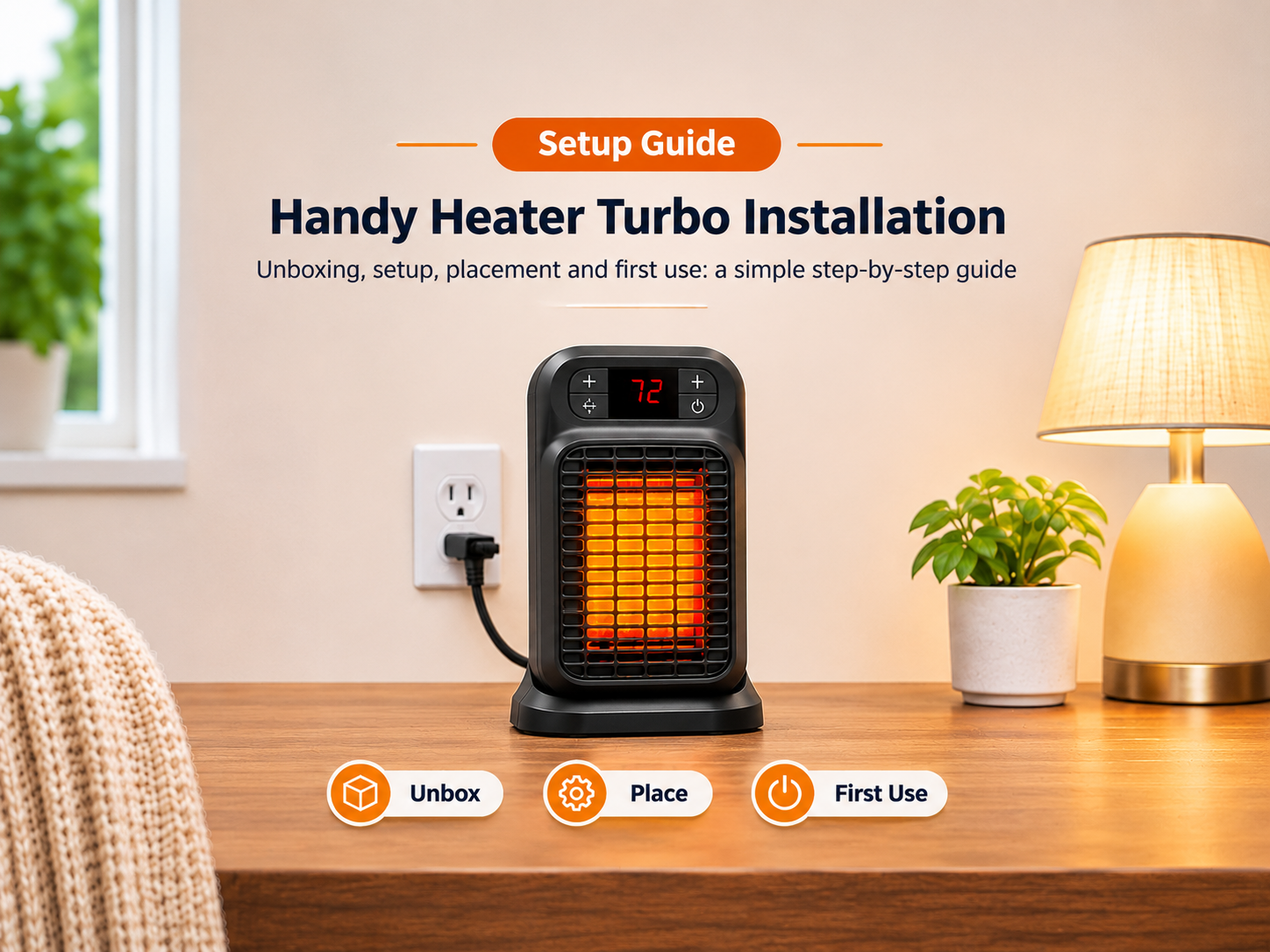
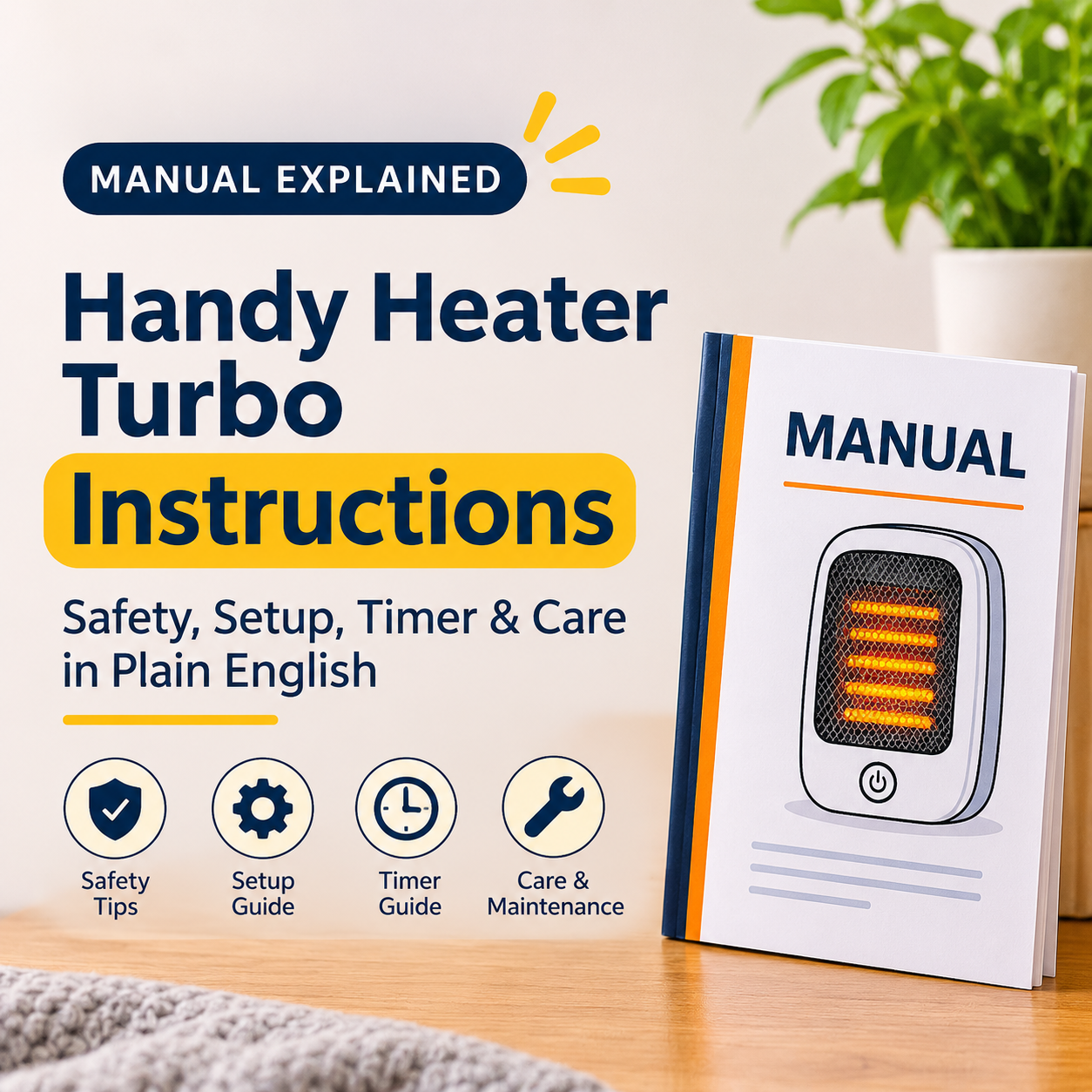
Instruction manuals are easy to lose, and the leaflet that comes with a small heater is often a tiny folded sheet. If you are looking for Handy Heater Turbo instructions, this guide rewrites the manufacturer’s manual in plain English: what to read first, how every control works, what the safety warnings really mean, how to care for the heater and what to do when something goes wrong.
Which Heater Do These Instructions Cover?
These instructions are based on the manual for the Ontel Handy Heater Turbo 800 (model number HEATTB-MC12/4), an 800-watt ceramic wall-outlet heater. Several similar heaters are sold under names like Turbo Heat or Heat Boss Turbo, and some versions are sold in other countries. Controls and details can differ slightly by version and region. For example, some owners of similar models report a display that shows only Celsius. If your heater came with its own paperwork, that always takes priority over this article.
The Manual at a Glance
Key Features Listed in the Manual
- Wall-outlet design: plugs directly into a standard outlet and uses no floor space.
- Adjustable thermostat: 60°F to 90°F.
- Programmable timer: 12 hours, for automatic shut-off.
- Ceramic heating: an efficient heating element.
- Safety features: automatic shut-off if the unit overheats, plus tip-over protection mentioned in the troubleshooting section.
- Quiet fan: a single fan speed with no adjustment.
- Rotatable plug: turns 180 degrees so the heater can sit upright in different outlets.
- Compact: weighs about 1.2 pounds.
Important Safety Instructions Explained
The manual begins with safety information and tells you to keep it for future reference. Here is what each warning means in practice.
Electrical Safety
The heater must go straight into a 120V AC wall outlet. Extension cords, power strips and surge protectors are not allowed because the heater draws about 6.67 amps and these accessories can overheat under that load.
Clearance
Keep at least 3 feet (0.9 m) between the heater and furniture, curtains, bedding, paper, clothing and pets. Also keep the air intake and exhaust vents unblocked, so heat can escape safely.
Location
The heater is for indoor use only. The manual says not to use it in bathrooms, laundry rooms or anywhere water may be present or could reach it.
Overheating Protection
If the unit overheats, an automatic shut-off activates. Unplug it and let it cool before using it again. Repeated shut-offs usually mean blocked vents or poor placement.
Hot Front Grille
The housing is described as cool-touch, but the front grille becomes hot during use. Do not touch it while the heater is on, and keep children and pets away.
Power Interruption
After a power loss, the temperature control may default to 90°F when power returns. Always look at the display and set your desired temperature again.
Setup Instructions
- Unpack: Remove the heater carefully from its packaging.
- Choose a location: Pick an indoor wall outlet in a suitable room, clear of obstructions and combustible materials.
- Adjust the plug if needed: Press the small button on the back of the unit near the prongs, rotate the plug until the heater is upright, and release the button to lock it.
- Plug in: Insert the heater firmly into a standard 120V outlet and make sure it is fully seated.
Operating Instructions
Controls Explained
| Action | What To Do | What Happens |
|---|---|---|
| Turn on or off | Press the ON/OFF (power symbol) button | Display lights up when on |
| Set temperature | Press + or − between 60°F and 90°F | Heater cycles on and off to maintain it |
| Set timer | Press the Timer (clock symbol) button; each press adds 1 hour | Heater shuts off when time expires |
| Cancel timer | Keep pressing Timer until the timer display is off, or turn the unit off | Heater runs until you turn it off |
| Fan speed | Not adjustable | Single speed |
How the Thermostat Cycling Works
You will hear the heater pause and restart. That is normal. The heater warms the air until it reaches your set temperature, then stops, and starts again when the air cools. A higher setting does not make it heat faster, as it only makes the heater keep running for longer.
Care and Cleaning Instructions
- Cleaning: Unplug and let the heater cool completely. Wipe the exterior with a soft, damp cloth. No abrasive cleaners or solvents, and never immerse it in water.
- Vents: Periodically check the intake and exhaust vents for dust or lint, and remove it gently with a vacuum cleaner and brush attachment. Do not insert objects into the vents.
- Storage: Keep it in a cool, dry place away from sunlight and moisture. The original packaging is recommended for protection.
Troubleshooting According to the Manual
| Problem | Possible Cause | Solution |
|---|---|---|
| Heater does not turn on | Not plugged in securely, no power at the outlet or unit overheated | Plug in firmly, check the breaker, or unplug and let it cool for about 30 minutes |
| Turns off unexpectedly | Room reached target, timer expired, overheating or tip-over protection | Normal if warm enough or timer set; otherwise let it cool and make sure it is upright and stable |
| Not enough heat | Room too large, setting too low or vents blocked | Use in a small space, raise the setting and clear the vents |
| Noisy | Normal fan operation | Some noise is normal; check that vents are clear if it sounds unusual |
| Goes to 90°F after a power cut | Designed behavior after power interruption | Reset your temperature with + and − |
If the plug or outlet becomes hot, discolored or smells of burning, unplug the heater and stop using it. Have the outlet checked by a qualified electrician.
Technical Specifications
| Attribute | Detail |
|---|---|
| Brand | Ontel |
| Model number | HEATTB-MC12/4 |
| Power | 800 watts, ceramic |
| Voltage | 120V AC |
| Amperage | 6.67 amps |
| Temperature range | 60°F to 90°F |
| Timer | 1 to 12 hours |
| Fan speeds | 1 |
| Weight | About 1.2 lb |
| Stated coverage | Up to 250 sq ft (best for small rooms) |
| Use | Indoor only |
Warranty and Support
The manual states that the heater comes with a manufacturer’s warranty and directs you to the documentation included with your purchase or to the manufacturer’s customer service for details. Some retailers describe a limited lifetime warranty on their own listings, but terms can differ by seller, region and version, so rely on the paperwork and receipt from your purchase. Keep your receipt, and make a note of the model number printed on the packaging or product.
What If You Lost Your Instructions?
- Note the model name and number (for the Turbo 800 this is HEATTB-MC12/4).
- Search for that model number together with the word “manual” in a search engine, or look on the manufacturer’s website.
- Check that the manual matches your heater’s version and region before following it.
- If you cannot find it, use this guide for general operation and contact customer support for model-specific questions.
Common Instruction Mistakes
- Using an extension cord or power strip because the outlet is far away.
- Putting the heater beside curtains, a bed or a sofa.
- Using it in a bathroom to warm up after a shower.
- Forgetting to reset the temperature after a power cut.
- Thinking the 12-hour timer makes it safe to leave unattended.
- Cleaning it while still plugged in or warm.
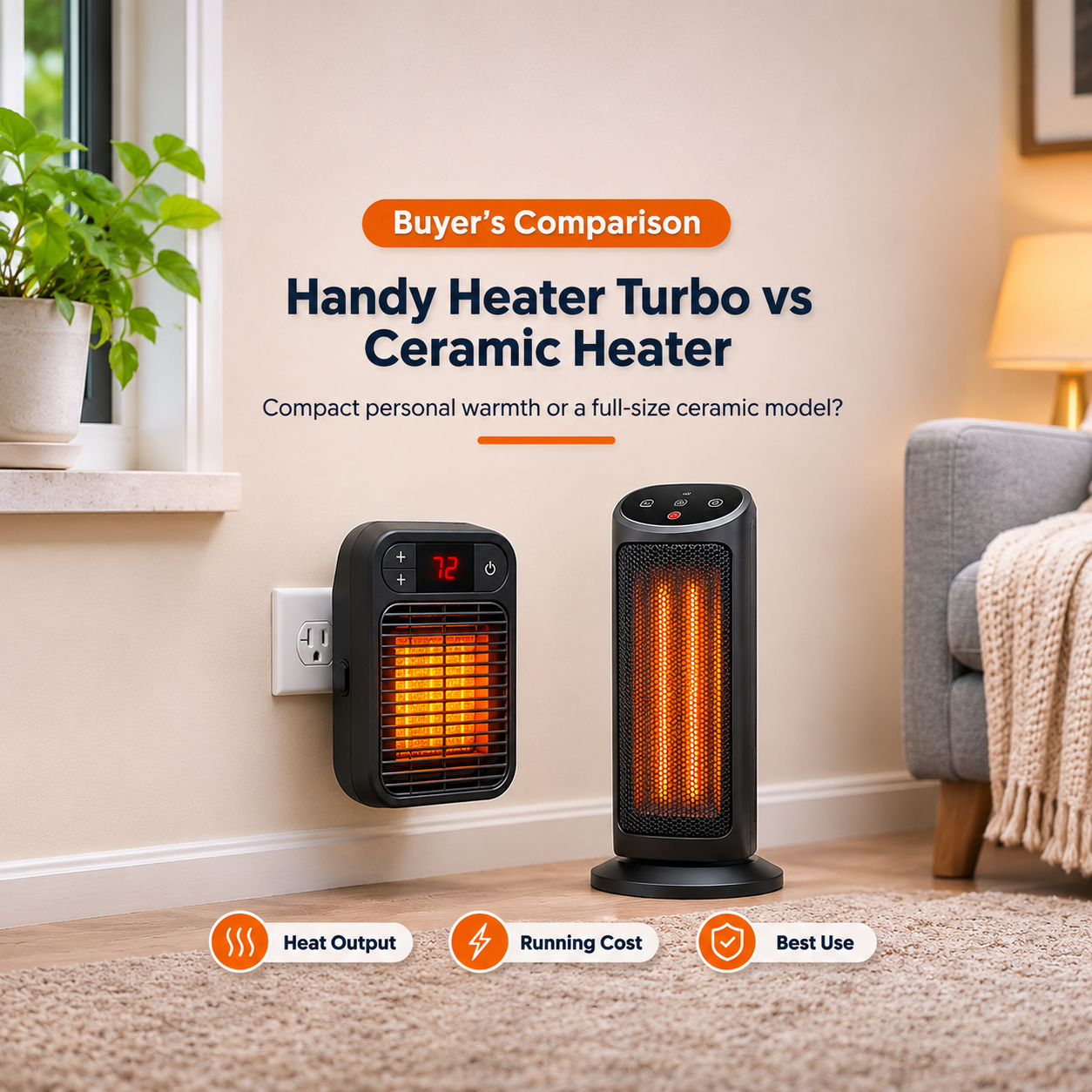
If It Is Not the Right Heater for You
If you want to heat a larger room, need a proper power cord, or want to place a heater away from wall outlets, consider a ceramic tower heater or an oil-filled radiator from an established brand. Choose based on room size, safety features and independent safety certification rather than advertising claims.
Frequently Asked Questions
Where do I find the Handy Heater Turbo instruction manual?
Look in the packaging first. If it is missing, search the model number with the word manual, or contact the manufacturer’s customer support.
How do I set the timer?
Press the Timer button. Each press adds one hour, from 1 to 12. The heater turns off when the time ends.
How do I cancel the timer?
Press the Timer button repeatedly until the timer display turns off, or switch the heater off.
What is the temperature range?
60°F to 90°F according to the manual.
Can I use an extension cord?
No. The manual states to plug it directly into the wall, with no extension cords, power strips or surge protectors.
How far should it be from furniture?
At least 3 feet (0.9 m) from furniture, curtains, bedding, paper, clothing and pets.
Can I use it in a bathroom?
No. The manual says not to use it in bathrooms, laundry rooms or anywhere water might be present.
What should I do after a power outage?
Check the display, because the temperature may default to 90°F. Reset it using the + and − buttons.
The plug seems to point the wrong way. What do I do?
Press the small button on the back near the prongs and rotate the plug up to 180 degrees until the heater sits upright, then release the button to lock it.
Is it safe to leave it on overnight?
This is not recommended. Do not rely on auto shut-off or the timer as a substitute for supervision.
Final Thoughts
The Handy Heater Turbo instructions come down to a few habits: plug it directly into a good outlet, keep it clear of anything flammable, keep it in dry rooms, set the temperature and timer with the simple buttons, reset the temperature after any power cut, and keep the vents clean. Follow those, and treat the heater as a small supplementary source of warmth, and you will get the best and safest use from it.
This article summarises the publicly available manual for the Ontel Handy Heater Turbo 800. Features and instructions can vary by version and region. Always follow the manual supplied with your heater. This is general information, not professional electrical advice.