Disclosure: This article is for information. If you buy a product after reading it, the site owner may earn a small commission at no extra cost to you.
It is a cold evening, you plug in your Handy Heater Turbo, turn the thermostat dial, and… nothing happens. Or maybe it runs for a minute and shuts off, blows only lukewarm air, or ignores the temperature you set. If your Handy Heater Turbo thermostat is not working, you are not alone. Compact plug-in heaters are popular, but they are also simple, low-wattage devices, and small faults show up quickly.
In this guide you will learn what the thermostat actually does, the most common reasons it seems to fail, nine safe fixes you can try at home, the safety warnings you should not ignore, and how to decide whether it is time to replace the heater.
What Is the Handy Heater Turbo and How Does Its Thermostat Work?
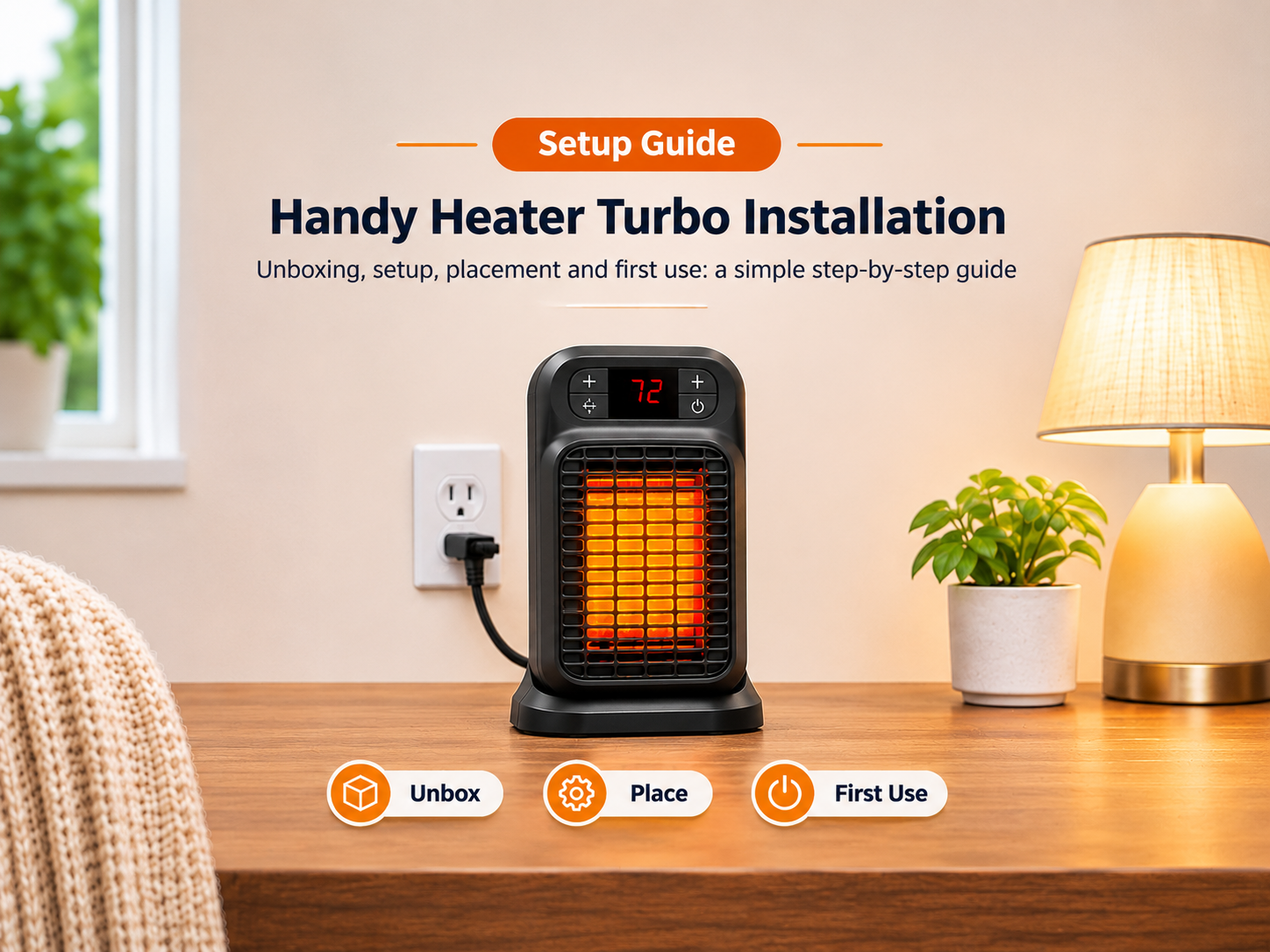
The Handy Heater Turbo (often sold as the Turbo 800) is a compact 800-watt plug-in wall outlet heater. It has no power cord. The plug pins are built into the body, so it sits directly in the wall socket. Reviewers highlight its small size, adjustable thermostat and timer as the main selling points, and many people use it as a secondary heater for a small area.
The thermostat is simply a temperature-sensing switch. When the air around the sensor is colder than your setting, power flows to the heating element and the fan. When the room reaches the target, the thermostat cuts power, and it switches back on once the air cools. This on-off cycle is normal, so a heater that clicks off now and then is not necessarily broken.
Signs Your Handy Heater Turbo Thermostat Is Not Working
- The heater does not turn on at all, even at the highest setting.
- It runs but only blows cool or lukewarm air.
- It switches itself off after a few minutes and will not restart.
- It never shuts off and keeps running regardless of the dial position.
- The temperature setting seems to make no difference.
- The display or timer behaves strangely, or the unit feels loose in the socket.
Common Causes of a Thermostat Problem
| Cause | What You Notice | Fixable at Home? |
|---|---|---|
| Thermostat set too low | Heater clicks off quickly or never starts | Yes, raise the setting |
| Loose or worn wall socket | Heater wobbles, flickers or loses power | Try another socket; call an electrician for a bad one |
| Overheat protection tripped | Heater stops after short use, restarts after cooling | Yes, clean vents and allow it to cool |
| Dust and debris inside vents | Weak airflow, hot smell, early shut-off | Yes, clean carefully when unplugged |
| Worn or faulty thermostat switch | No response to dial, all on or all off | No, replace the heater |
| Failed heating element or fan | Fan runs with no heat, or no sound at all | No, replace the heater |
| Heater too small for the room | Always warm-ish but never comfortable | Use in smaller space or buy a larger heater |
9 Safe Fixes to Try
Always unplug the heater and let it cool for at least 15 minutes before touching it.
1. Check the Thermostat and Timer Settings
Turn the thermostat to its highest setting and make sure any timer is switched off or set correctly. If the heater starts at the highest setting, the unit is working and your previous setting was simply below the room temperature.
2. Make Sure Turbo Mode Is Actually On
Some units have separate controls for fan and heat. If the fan runs but you feel no warmth, check that the heat or turbo mode is selected.
3. Test a Different Wall Socket
Plug the heater directly into another socket that you know works, for example by testing it with a phone charger. A weak or worn socket can stop the heater from getting stable power.
4. Do Not Use Extension Cords or Loose Adaptors
Heaters draw a lot of current. Extension leads, power strips and poorly fitting travel adaptors can overheat. This matters especially for plug-in heaters with built-in pins, because they rely on a firm connection to the socket.
5. Let It Cool and Reset the Overheat Protection
Almost all heaters have an overheat cut-off. If vents are blocked or the heater is covered, it can switch off to protect itself. Unplug it, wait 15 to 30 minutes, then plug it back in.
6. Clean the Vents and Air Intake
With the heater unplugged and cool, use a soft brush or a vacuum with a brush attachment to remove dust from the vents. Never use water, sprays or sharp objects, and do not open the casing.
7. Move It Away from Obstacles and Heat Sources
Keep curtains, furniture and bedding at least three feet (about one metre) away. The thermostat senses air near the unit, so placing it behind a sofa or beside a hot appliance can make it shut off too early.
8. Inspect the Plug and Socket for Damage
Look for discoloration, melted plastic, black marks or a burning smell. If you see any of these, stop using the heater and the socket. Have the socket checked by a qualified electrician.
9. Check Warranty and Return Options
If the heater is new, check your order details for the seller’s return or warranty period. A thermostat that fails early is usually a defect, and a refund or replacement is often the easiest solution.
Is It the Thermostat, or Is the Heater Just Weak?
Many complaints about small plug-in heaters are not caused by a broken thermostat at all. An 800-watt heater has limited output. A common rule of thumb is about 10 watts per square foot, which suggests roughly 80 square feet (around 7 square metres) of space, such as a small bathroom, a tiny office or a desk area.
Independent testing backs up the idea that expectations matter. A consumer testing organisation in Australia reported that the Handy Heater Turbo 800 produced far less heat than its advertising suggested and raised concerns about the plug fit with adaptors in that market. Retail review roundups also note that compact models like this can leave users wanting more heat in larger or colder rooms, and that inconsistent thermostat performance is a recurring complaint across several budget heaters.
If your room is larger than a small space, the heater may be working correctly and just not be powerful enough.
When Should You Replace It?
Stop troubleshooting and consider replacing the heater if any of these apply:
- It does not heat on any setting after you have tried another socket.
- The thermostat dial has no effect, or the heater is stuck on or off.
- The plug is loose, hot or discolored.
- It repeatedly overheats and shuts off even with clear vents.
- It is out of warranty and repair costs more than a new unit.
What to Look For in a Replacement Heater
| Feature | Why It Matters | Good Target |
|---|---|---|
| Power cord and plug | A proper cord avoids strain on the socket | Cord with fitted plug, or a certified plug-in design for your country |
| Safety certification | Shows independent safety testing | Look for marks recognised in your region |
| Tip-over switch | Cuts power if knocked over | Included |
| Overheat protection | Prevents fires from blocked vents | Included |
| Adjustable thermostat | Keeps temperature steady and saves energy | Digital or accurate dial |
| Wattage for room size | Too little power never warms the space | About 10 W per sq ft of room |
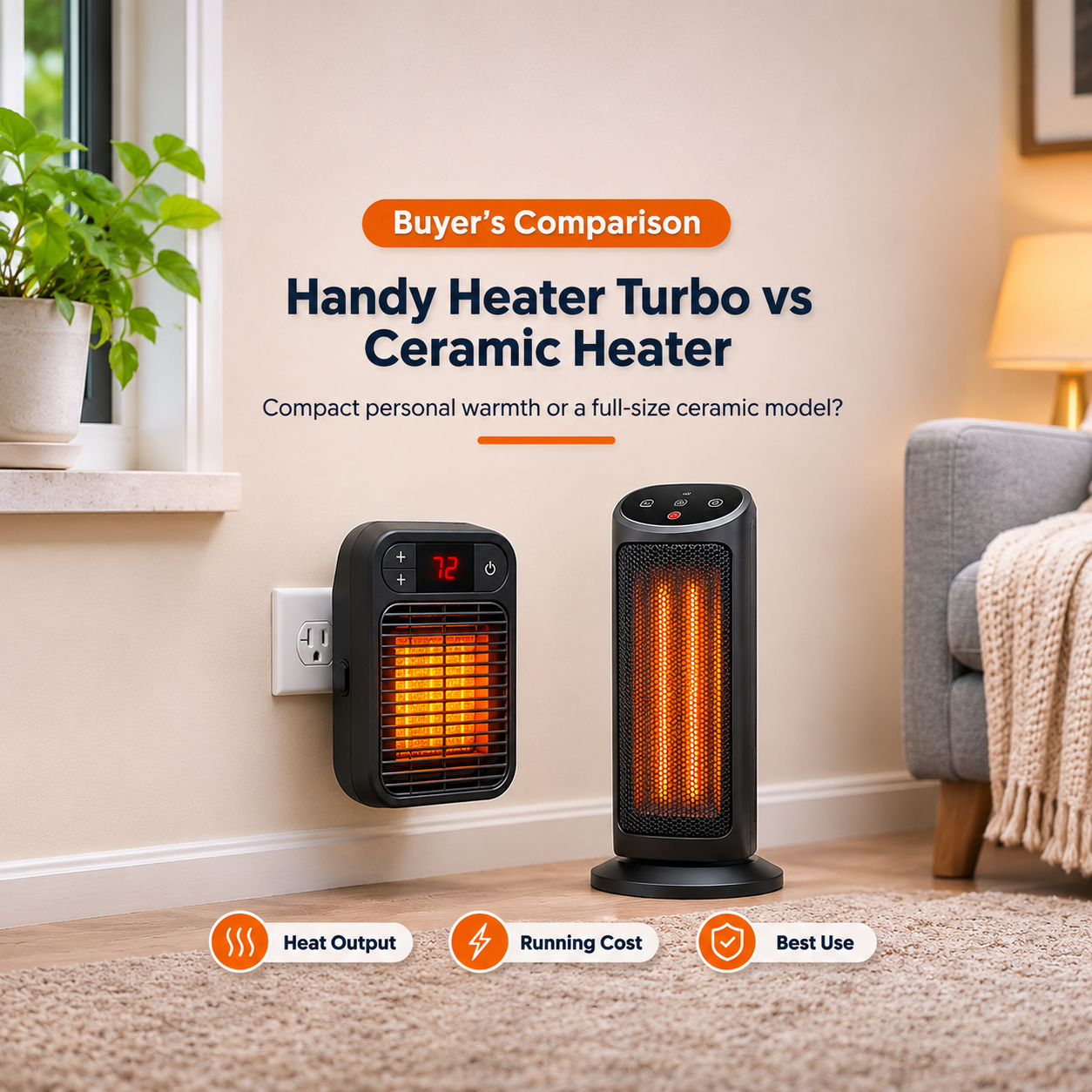
Popular options include ceramic tower heaters, oil-filled radiators and small fan heaters from established brands. Choose by room size, noise level and safety features rather than advertising claims.
How to Keep Your Heater Working Longer
- Plug it directly into a wall socket in good condition.
- Vacuum the vents lightly once a month during the heating season.
- Never cover it or place it near fabrics.
- Turn it off and unplug it when leaving the room.
- Store it dry and clean over summer.
Frequently Asked Questions
Why does my Handy Heater Turbo turn on and off by itself?
This is normal thermostat cycling when the room reaches your set temperature. If it shuts off within minutes in a cold room, check for blocked vents, a loose socket or an overheat trip.
Why is the fan running but there is no heat?
This can mean the heat setting is off or the heating element or thermal protection has failed. If it stays that way after cooling and a setting check, replacement is the safest choice.
Can I repair the thermostat myself?
It is not recommended. The thermostat is wired into mains-powered parts, and a repair attempt can create electric shock or fire risks. A replacement heater is usually cheaper and safer.
Is it safe to leave the heater on overnight?
No. Any heater should be switched off when you sleep or leave the home. Plug-in heaters with a loose socket fit are particularly risky.
The plug gets hot. What should I do?
Unplug the heater and stop using it. A hot plug or socket suggests a poor connection or a worn socket. Have the socket checked by an electrician before using any heater there.
Does a bigger heater use much more electricity?
A higher-wattage heater uses more power while on, but a properly sized unit with an accurate thermostat reaches the target temperature and cycles off, which often works better than a weak heater that runs constantly.
Final Thoughts
If your Handy Heater Turbo thermostat is not working, start with the simple checks: settings, socket, vents and overheating. Those fix many cases. If the heater still fails to respond, the plug is loose, or you notice heat damage, do not take risks. Retire it and choose a heater with a proper cord, recognised safety certification and enough power for your room. Staying warm is important, but staying safe is more important.
This article is general information, not professional electrical advice. For electrical faults, consult a qualified electrician.