Disclosure: This article is for information. If you buy a product after reading it, the site owner may earn a small commission at no extra cost to you.
The Handy Heater Turbo is popular because it is small, plugs straight into the wall and promises quick warmth. But many owners ask the same question after unboxing it: what are the best Handy Heater Turbo temperature settings? Set it too low and the room never feels warm. Set it too high and the heater runs non-stop, wastes electricity and still may not reach the target in a larger room.
This guide explains how the thermostat and timer work, the temperature range you can choose, which settings suit different situations, how to switch between Fahrenheit and Celsius if your unit allows it, and how to get the most warmth from this 800-watt heater safely.
Handy Heater Turbo Overview: What You Are Setting
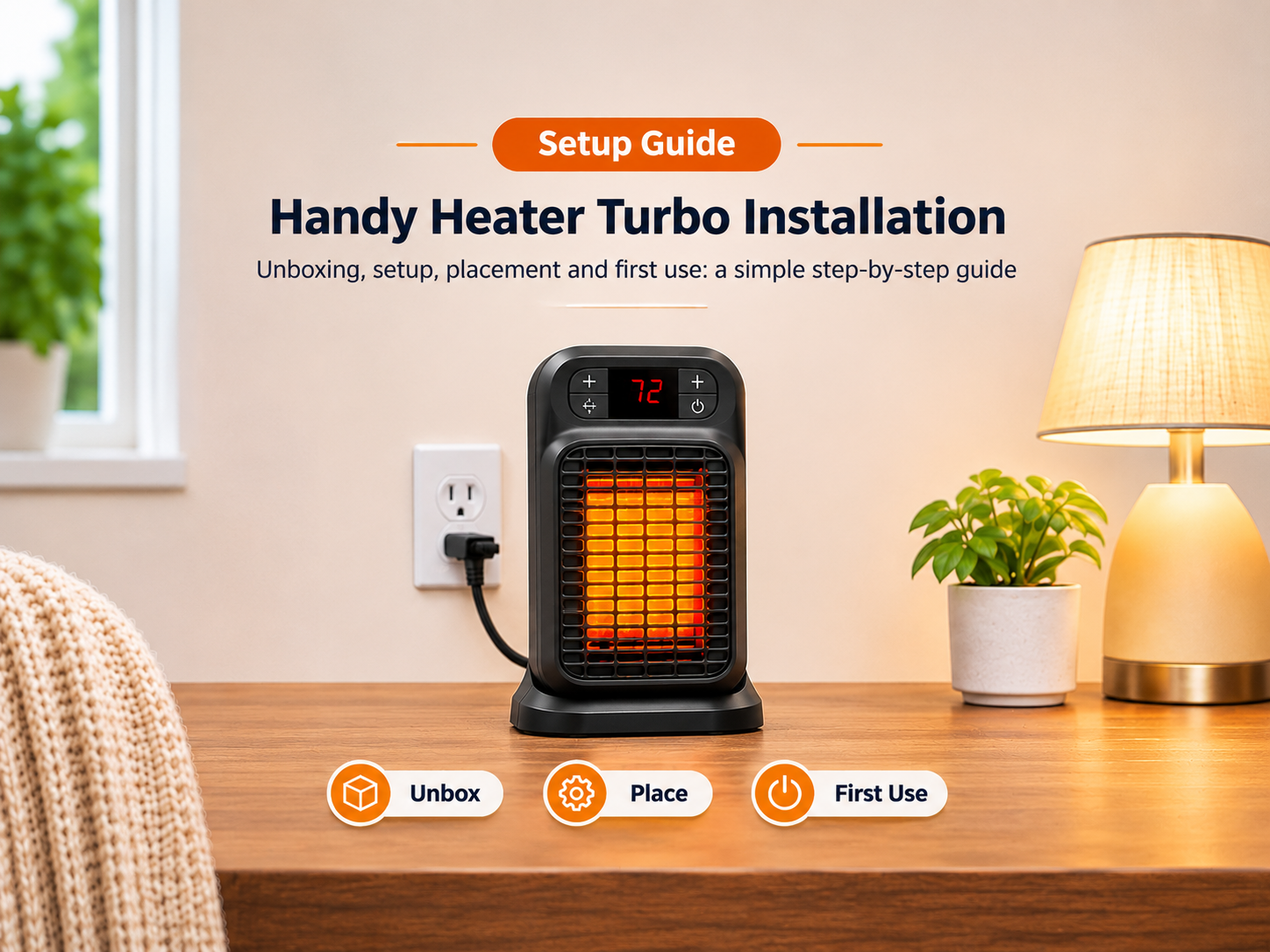
The Handy Heater Turbo 800 (made by Ontel, model number often listed as HEATTB-MC12/4) is a compact 800-watt ceramic wall-outlet heater. Product listings describe a digital LED display, an adjustable thermostat, a programmable 12-hour timer, overheat protection and auto shut-off.
Because the heater has a built-in thermostat, the number you choose is the target room temperature. It is not a heat level like “low” or “high” on a hair dryer. The heater warms the air until the sensor reads your chosen number, then pauses, and starts again when the room cools.
Control Panel Basics
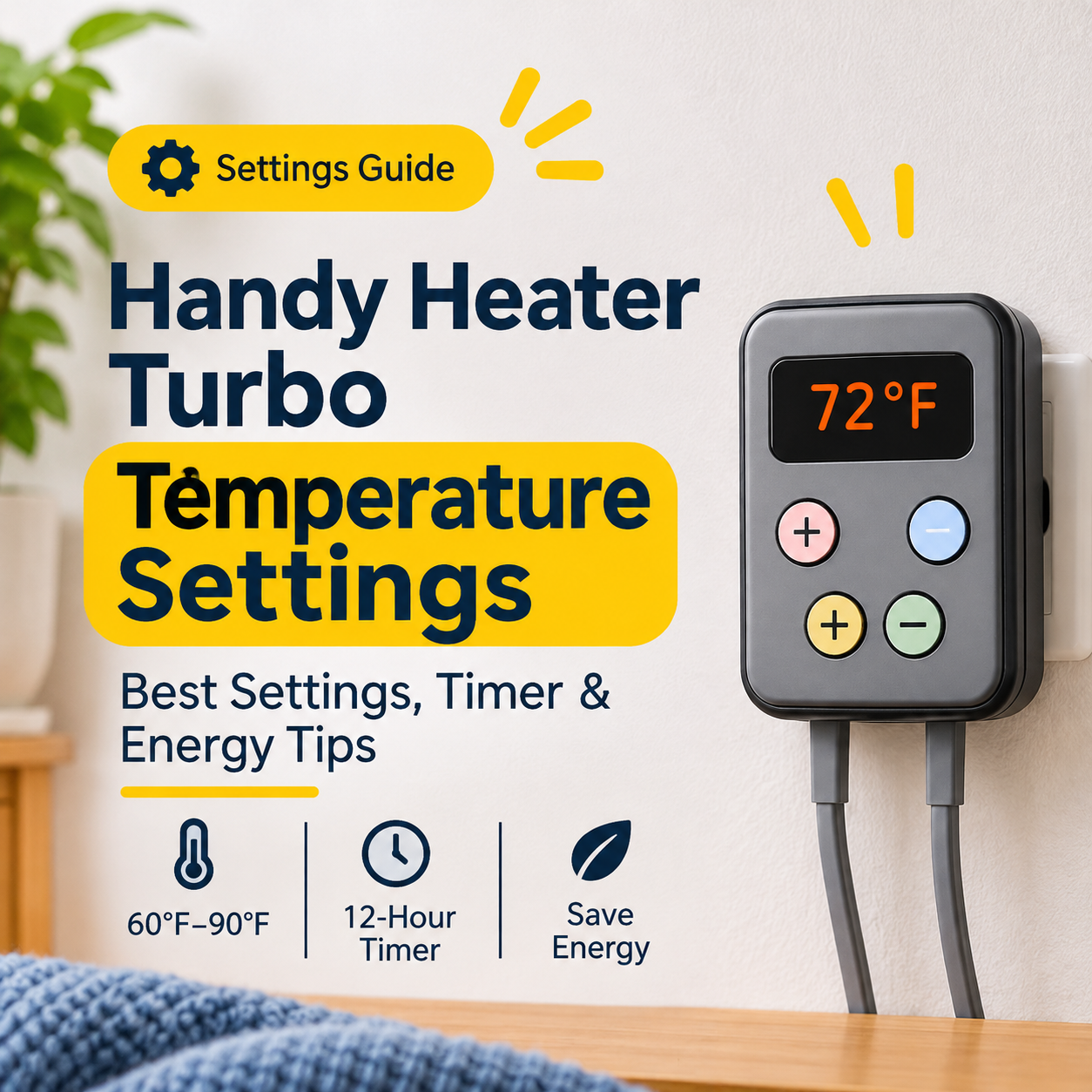
The control panel is simple. A digital display shows the temperature or timer, and a handful of buttons let you power the unit on and off, change the temperature up or down and set the timer. Product descriptions list the adjustable range as 60°F to 90°F.
Temperature Range: Fahrenheit and Celsius
Most US listings state a range of 60°F to 90°F. A Canadian retailer describes the same style of heater as adjustable from 18°C to 32°C. Some owners of similar-looking units also report a display that shows Celsius only, with unclear options for changing to Fahrenheit. If your heater shows numbers like 22 or 24 instead of 72 or 75, it is probably in Celsius.
| Fahrenheit | Celsius | How It Feels |
|---|---|---|
| 60°F | 15.6°C | Cool, only to take the chill off |
| 65°F | 18.3°C | Mild, comfortable with a sweater |
| 68°F | 20.0°C | Popular energy-saving comfort level |
| 70°F | 21.1°C | Comfortable for most people |
| 72°F | 22.2°C | Warm and cozy |
| 75°F | 23.9°C | Very warm for a small room |
| 80°F | 26.7°C | Hot, heater will work hard |
| 90°F | 32.2°C | Maximum setting, rarely needed |
Best Handy Heater Turbo Temperature Settings by Situation
For a Home Office or Desk Area: 68°F to 72°F
When you are sitting still you lose body heat quickly, so a slightly higher setting helps. Start at 70°F and adjust one degree at a time.
For a Small Bedroom: 64°F to 68°F
Most people sleep better in a cooler room. Because this heater is small, heat it before bedtime, and follow the manufacturer’s safety guidance. Do not rely on the timer as a substitute for supervision, and never use blankets or bedding near the unit.
For a Bathroom: 72°F to 75°F, Short Sessions Only
Many people want a warm bathroom for a short time. Check the manual before using any heater in a damp room, keep it away from water and wet hands, and do not place it where it could get splashed.
For a Garage, Basement or Cold Room: Do Not Expect Miracles
An 800-watt heater has limited output. In a poorly insulated or large room it may run all the time and never reach 70°F. Setting the thermostat to 85°F or 90°F will not make it heat faster. It only tells the heater to keep running for longer.
For Energy Saving: 62°F to 66°F
If you only want to take the chill off while wearing a sweater, set it at the low end. Every degree lower means the heater cycles off sooner.
How to Set the Temperature and Timer
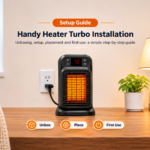
- Plug it in directly: Insert the heater firmly into a wall outlet. Avoid extension cords, power strips and loose adaptors.
- Turn it on: Press the power button. The display should light and the fan should start.
- Adjust the temperature: Use the up and down buttons to select your target. Start around 68°F to 72°F.
- Set the timer: Press the timer button to choose how long it should run. The heater has a 12-hour programmable timer, according to product listings.
- Re-check after a power cut: The manual notes that settings may need to be re-entered after a power outage.
Using the 12-Hour Timer Wisely
The timer is useful when you want the room to warm up before you arrive or to switch off automatically after a set period. It is a convenience, not a safety system. Even with a timer and auto shut-off, never leave a heater running when no one is home or while you sleep.
| Use Case | Suggested Timer | Tip |
|---|---|---|
| Warm the room before you get home | 1–2 hours | Be present when it is running |
| Work from home session | 3–4 hours | Keep the vents clear |
| Evening reading or TV | 2–3 hours | Turn it off when you leave |
| Quick bathroom warm-up | 30–60 minutes | Keep it dry and supervised |
How Much Does It Cost to Run?
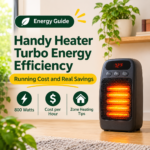
An 800-watt heater uses 0.8 kilowatt-hours (kWh) of electricity per hour when the element is on. At an example price of $0.16 per kWh, that is roughly $0.13 per hour at most. Because the thermostat switches the heater off once the room is warm, real usage is often lower. Your actual cost depends on your electricity rate, room size and how cold it is outside.
| Running Time | Energy Used (Max) | Example Cost at $0.16/kWh |
|---|---|---|
| 1 hour | 0.8 kWh | About $0.13 |
| 4 hours | 3.2 kWh | About $0.51 |
| 8 hours | 6.4 kWh | About $1.02 |
Tips for Getting the Most Warmth
- Use it in the right space. Retail pages describe it as suited to small rooms. A general rule of thumb is about 10 watts per square foot, so 800 watts suits roughly 80 square feet. Some sellers claim larger coverage in well-insulated rooms.
- Close doors and windows. Heat escapes quickly from open spaces.
- Place the heater away from furniture and curtains. Keep at least three feet of clear space.
- Do not set the thermostat near a draft. Cold air hitting the sensor can make it run longer.
- Heat the person, not the building. A small heater works best for a desk, bathroom or small bedroom.
- Add layers. A throw blanket and warm socks let you set the thermostat lower.
Common Temperature Setting Problems
| Problem | Likely Cause | What To Do |
|---|---|---|
| Heater turns off quickly | Room already at set temperature | Raise the setting by a few degrees |
| Display shows odd numbers | Celsius display | Convert the numbers or check your manual |
| Room never gets warm | Room too large or drafty | Use in a smaller space or choose a stronger heater |
| Settings reset | Power interruption | Re-enter temperature and timer |
| Heater clicks on and off | Normal thermostat cycling | No action needed |
| Plug wobbles or tilts | Loose socket or plug alignment | Try another outlet; stop if it gets hot |
When a Different Heater Might Suit You Better
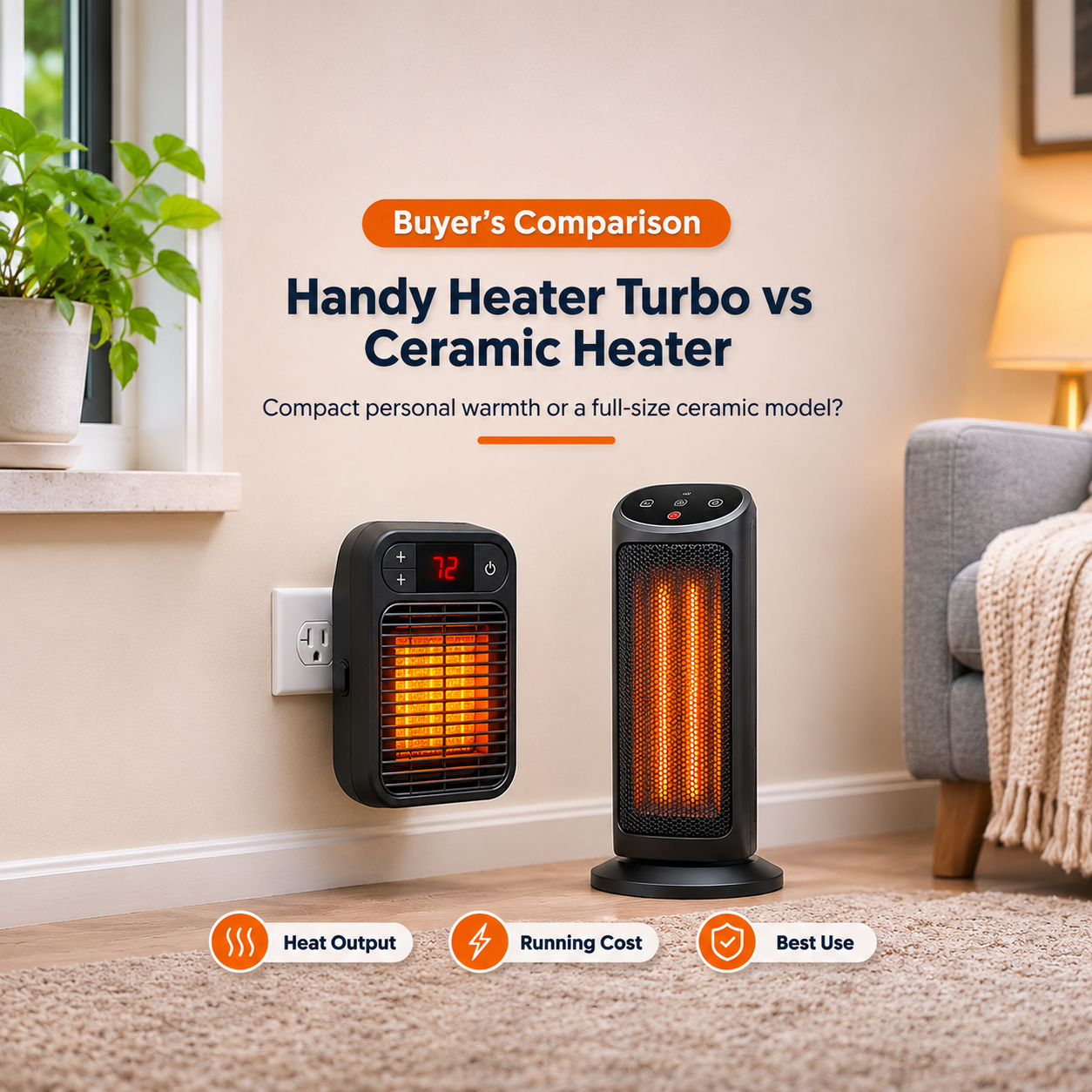
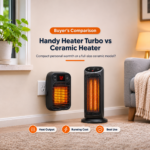
If you need to heat a larger room, want a proper power cord, or need a heater you can place anywhere, a different type may be better. Here is a quick comparison.
| Heater Type | Best For | Consider |
|---|---|---|
| Plug-in wall heater (like the Turbo 800) | Small rooms, bathrooms, desks | Low output, relies on socket fit |
| Ceramic tower heater | Medium bedrooms and living rooms | Takes floor space |
| Oil-filled radiator | Quiet, steady heat for longer periods | Slow to warm up |
| Mini fan heater with cord | Desks and personal space | Can be noisy |
Frequently Asked Questions
What temperature should I set my Handy Heater Turbo to?
For most people, 68°F to 72°F is a comfortable starting point. Lower it to 64°F to 66°F to save energy, and raise it only if the room still feels cold.
What is the maximum temperature setting?
Most product listings state a maximum of 90°F (32°C) and a minimum of 60°F (15.6°C) for US models. Canadian listings describe 18°C to 32°C.
Does setting a higher temperature heat the room faster?
No. The heater delivers the same power until it reaches the target. A higher number only makes it run for longer.
Why does my heater show Celsius instead of Fahrenheit?
Some versions sold in different regions display Celsius. If your manual does not explain how to change units, convert the display values yourself using the table above.
Can I leave it on all night?
It is not recommended. Even with a timer, overheat protection and auto shut-off, you should never leave a heater running unattended or while you sleep.
How big a room can it heat?
It is best for small spaces. Some retail pages suggest up to about 250 square feet in ideal conditions, but a common rule of thumb for 800 watts is closer to 80 square feet. Insulation and outdoor temperature make a large difference.
Is the Turbo setting different from the thermostat?
Some product pages mention two heat settings or “turbo” heating. Check your manual to see how your model labels them. The thermostat still controls when the heater cycles off.
Final Thoughts
The best Handy Heater Turbo temperature settings are the ones that balance comfort, cost and safety. Start at 68°F to 72°F, adjust one degree at a time, use the timer for convenience, and remember that cranking the thermostat to the maximum will not heat the room any faster. If the room is large or the heater struggles, a different heater with a proper cord and enough wattage may be a smarter choice.
Features and settings can vary by version and region. Always follow the instruction manual supplied with your heater. This article is general information, not professional electrical advice.